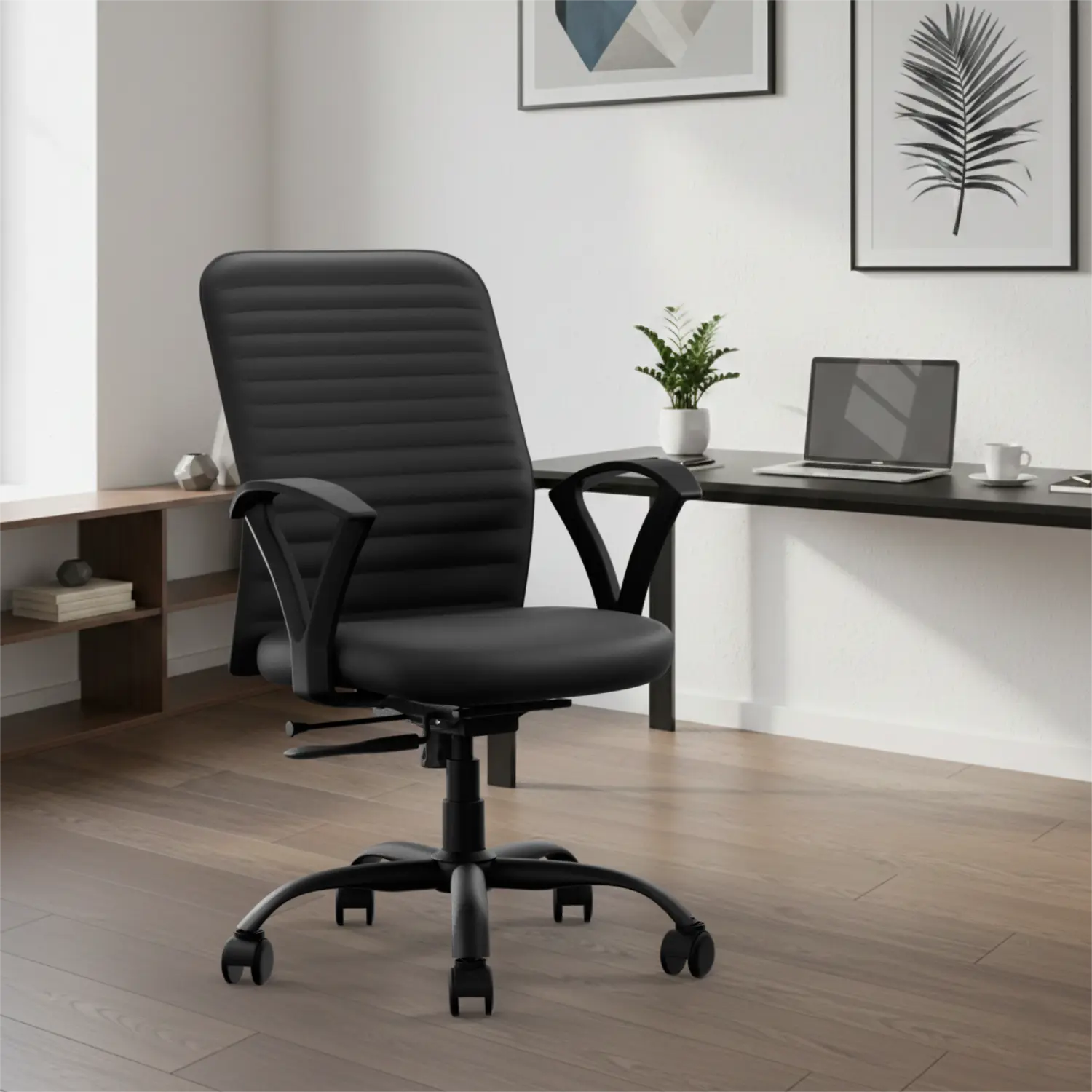


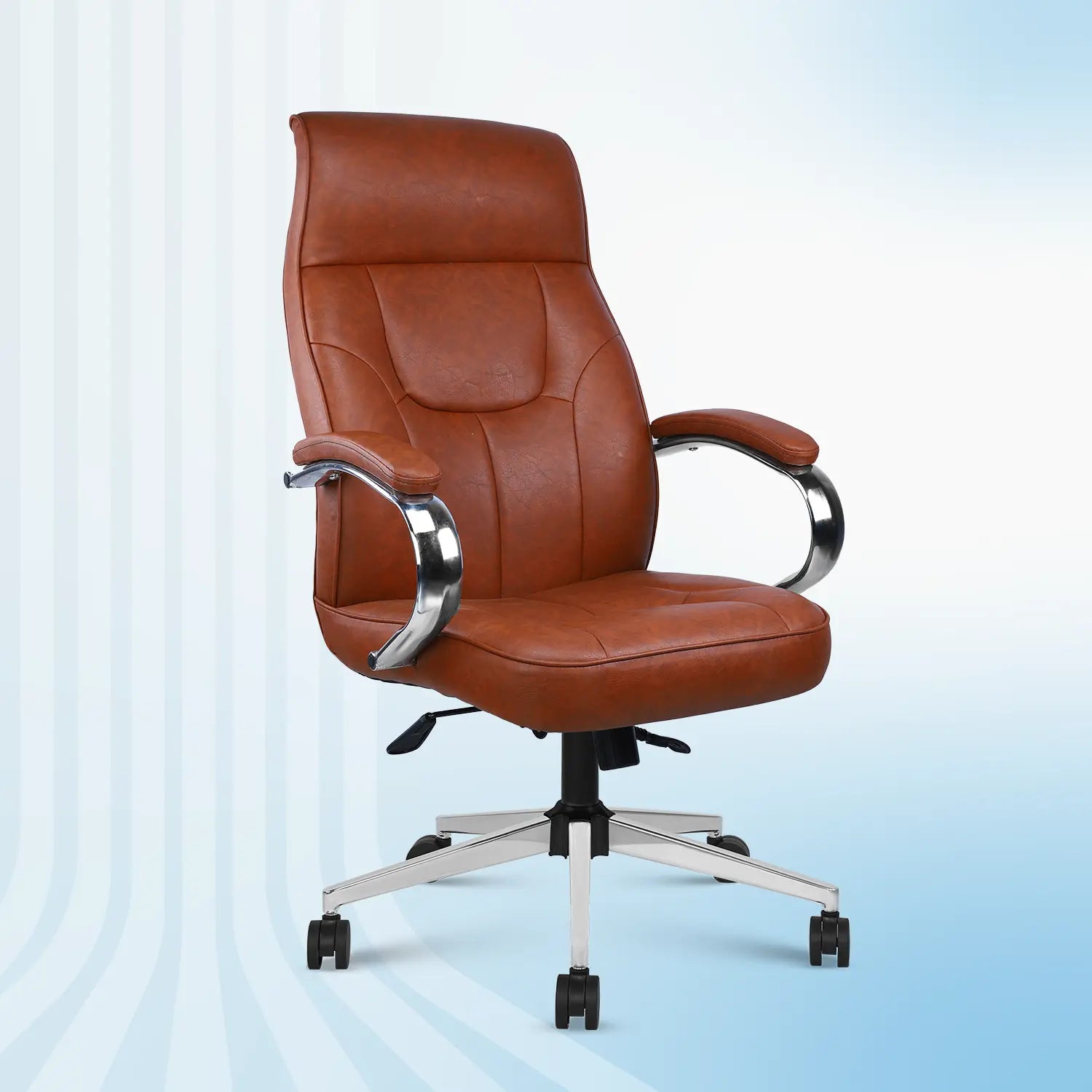
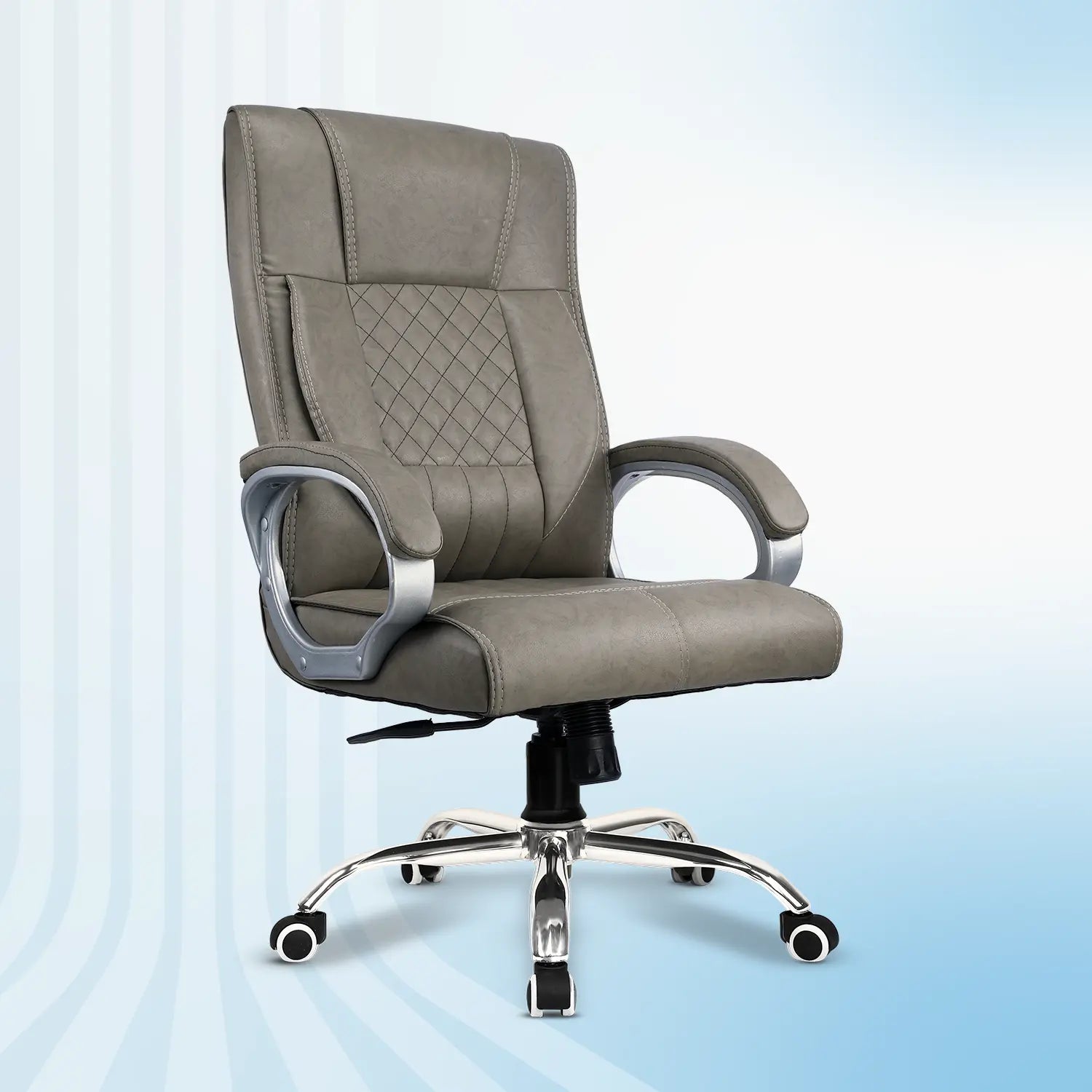
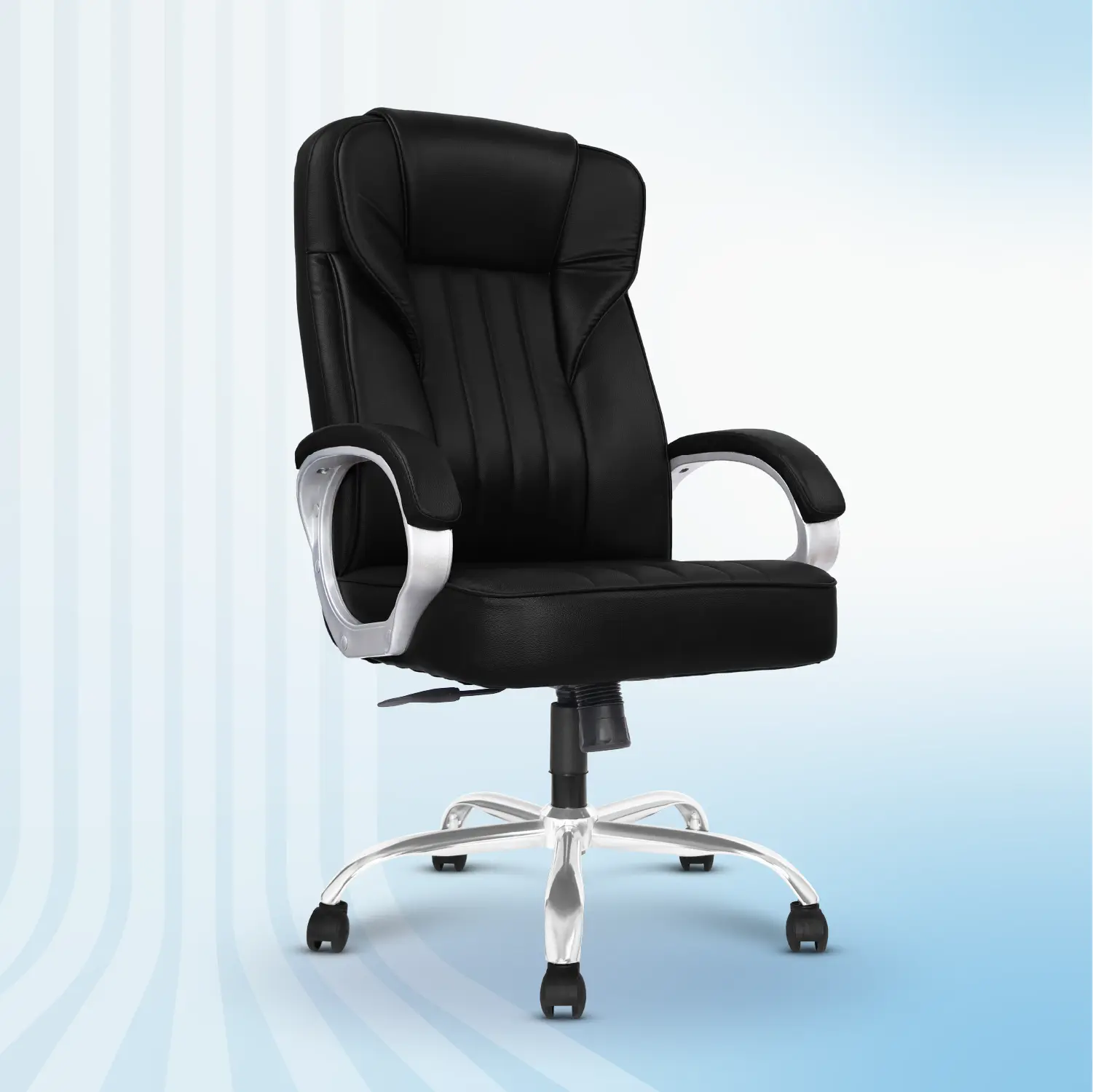

Most people spend weeks researching a smartphone or laptop before buying one, but when it comes to an office chair, they often choose the first one that looks good or fits their budget.
The problem? A chair isn't just another piece of furniture. It's where you'll spend hundreds, if not thousands, of hours every year. The wrong chair can lead to poor posture, frequent back and neck discomfort, reduced focus, and even lower productivity over time.
According to the World Health Organization (WHO), musculoskeletal conditions affect nearly 1.71 billion people worldwide, making them one of the leading causes of disability. Long hours of sitting without proper ergonomic support can contribute to these issues. Research also shows that office professionals spend 6–9 hours sitting every day, making the choice of chair more important than most people realize. Whether you're setting up a home office, upgrading your workplace, or buying your very first ergonomic chair, this guide will help you understand exactly what to look for before investing your money.
Instead of focusing only on looks or price, we'll walk you through the 15 most important things to check before buying an office chair, so you can choose one that supports your body, improves comfort, and lasts for years.
Why Choosing the Right Office Chair Matters
An office chair isn't just another piece of furniture. It's an investment in your health.
Studies published by the National Institutes of Health (NIH) have shown that ergonomic interventions in the workplace can improve comfort, reduce musculoskeletal discomfort, and support productivity when combined with good workstation setup and healthy movement habits.
A well-designed ergonomic chair can help:
-
Support the natural curve of your spine
-
Reduce lower back pressure
-
Improve blood circulation
-
Reduce neck and shoulder strain
-
Encourage better sitting posture
- Improve focus during long working hours
Now let's go through the checklist.
I. Adjustable Lumbar Support
Your lower back (lumbar spine) has a natural inward curve that needs proper support while sitting. Without it, you may start slouching, which increases pressure on your spine and leads to discomfort during long working hours.
Look for:
✔ Height Adjustment
✔ Depth Adjustment
✔ Comfortable yet supportive cushioning
✔ Easy adjustment while seated
II. Seat Height Adjustment
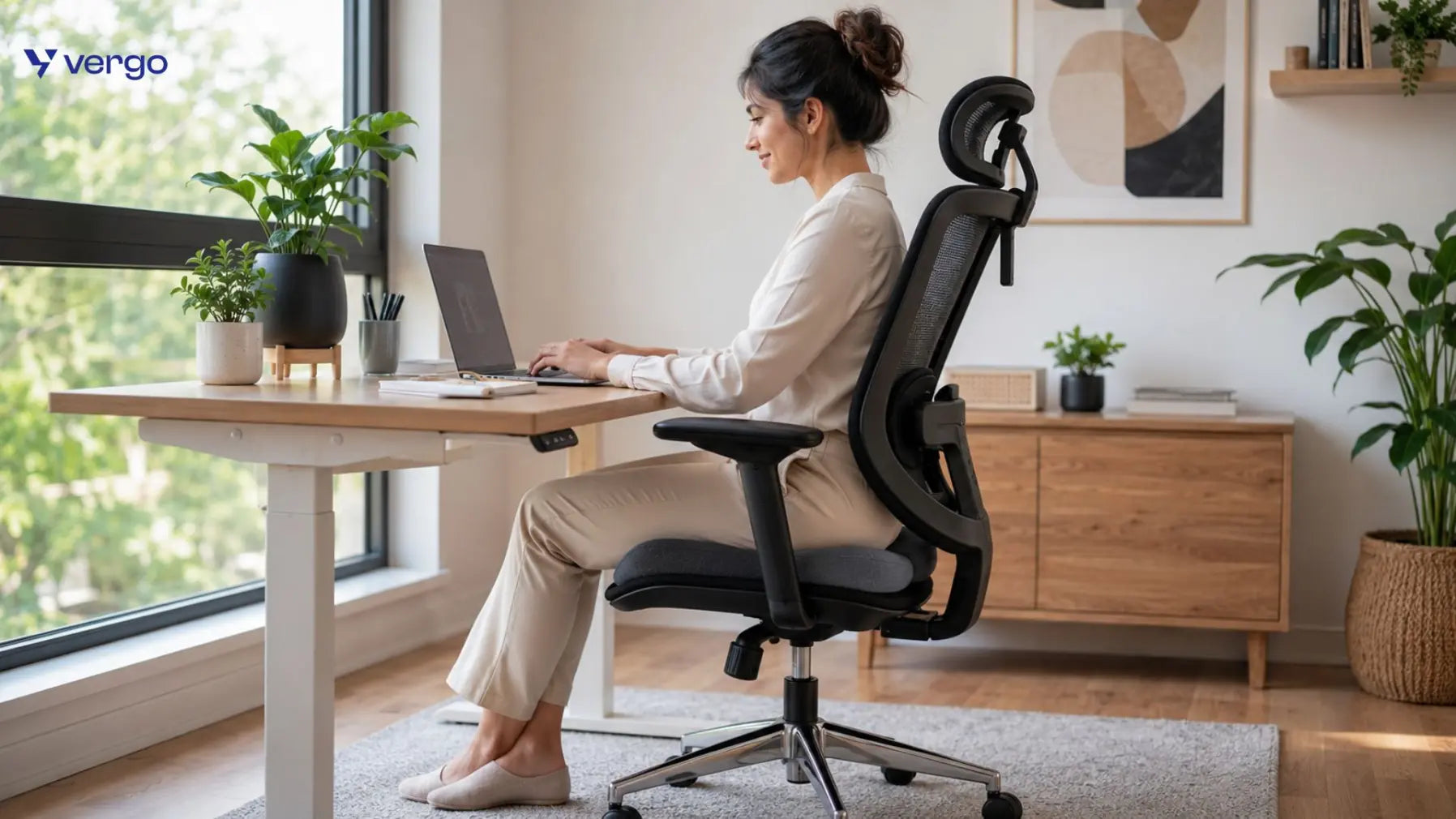
Your feet should rest flat on the floor. Your knees should form approximately a 90-degree angle.
Most ergonomic chairs offer:
-
Pneumatic height adjustment
- Height range between 16–21 inches, suitable for many adults
If your chair is too high or too low, it can place unnecessary strain on your knees and hips. Check if your chair has proper Mechanism to adjust the height at your desired comofrt level.
III. Adjustable Armrests
Many people don't realize how much strain their arms place on their shoulders and neck throughout the day. Think about it, while typing or using a mouse, your arms need proper support. If the armrests are too high, your shoulders stay lifted. If they're too low, your arms hang without support, putting extra pressure on your neck and upper back.
That's where adjustable armrests make a difference. Look for:
-
Height Adjustment – Raise or lower the armrests to match your desk height.
-
Width Adjustment – Move them closer or farther from your body.
-
Forward & Backward Adjustment – Position them where your elbows naturally rest.
- Pivot (Rotating) Adjustment – Angle the armrests inward or outward for better wrist support while typing.
These help reduce shoulder and wrist strain during typing.
IV. Seat Depth
This is one feature many buyers overlook. When sitting fully back:
There should be approximately 2–3 finger's width of space between the edge of the seat and the back of your knees.
Too much depth causes pressure behind the knees. Too little reduces thigh support.
V. Breathable Material
If you work for long hours, breathable materials make a noticeable difference.
Mesh Chairs - Pros :-
- Better airflow
- Cooler during summer
- Less sweating
Cushioned Chairs - Pros:-
- Softer seating
- Better for extended sitting if high-density foam is used
Choose based on your climate and comfort preference.
VI. High-Density Seat Cushion
Not all cushions are equal. Low-quality foam begins to flatten within months.
Choose from any of below :
- High-density molded foam
- Memory foam
- Thick cushioning with long-term resilience
Good cushioning helps distribute body weight evenly and reduces pressure points.
VII. Reclining Mechanism
Your spine isn't designed to stay in one position all day. Sitting upright continuously can increase pressure on your lower back, which is why a good reclining mechanism is an essential ergonomic feature.
A quality office chair should allow you to:
-
Recline smoothly between different angles
-
Lock the backrest at multiple reclining positions
- Adjust the recline tension based on your body weight
Being able to recline and lock the chair at different angles allows you to switch between focused work, reading, virtual meetings, or short relaxation breaks without compromising comfort. The more reclining lock positions available, the more flexibility you have throughout the day.
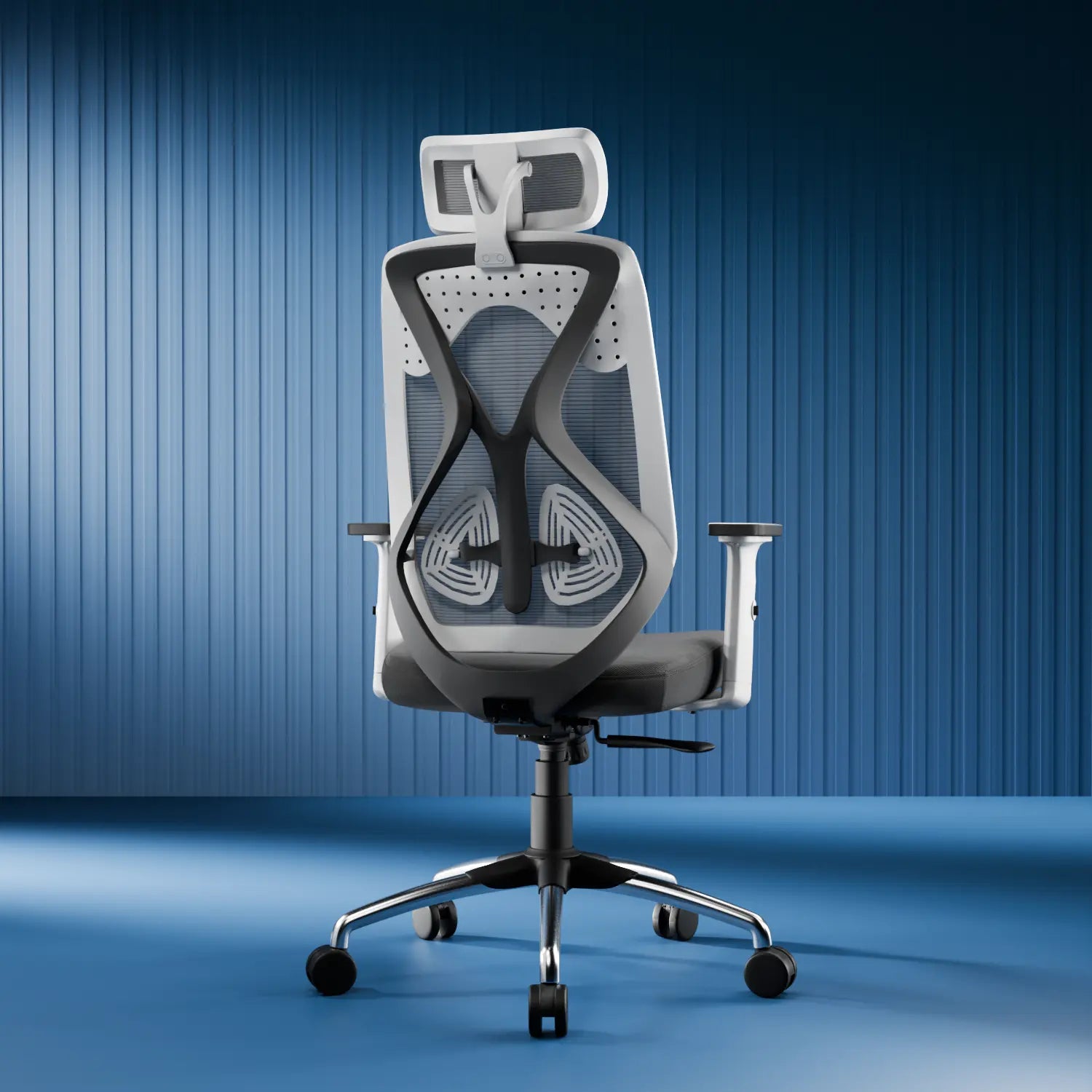
VIII. Adjustable Headrest Support
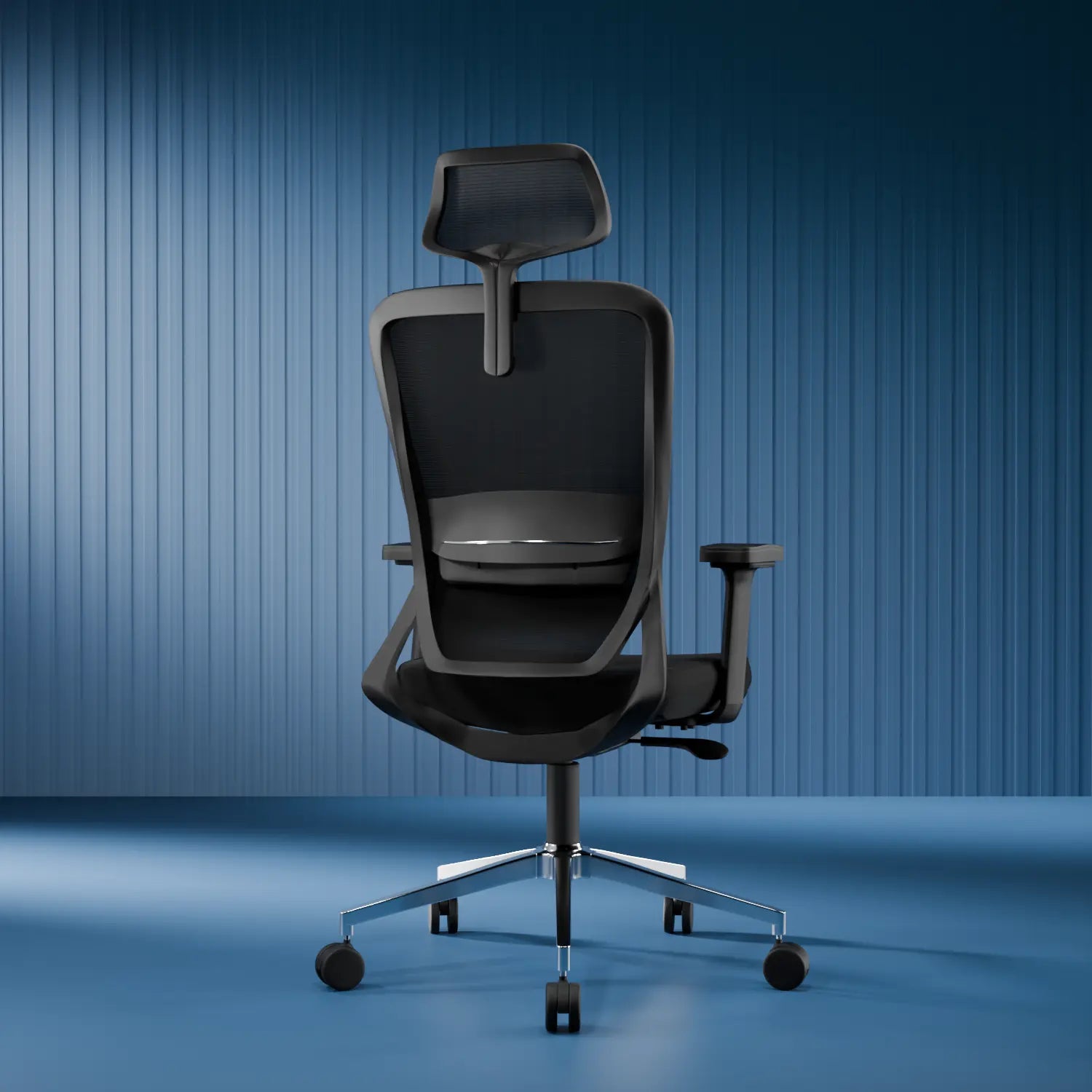
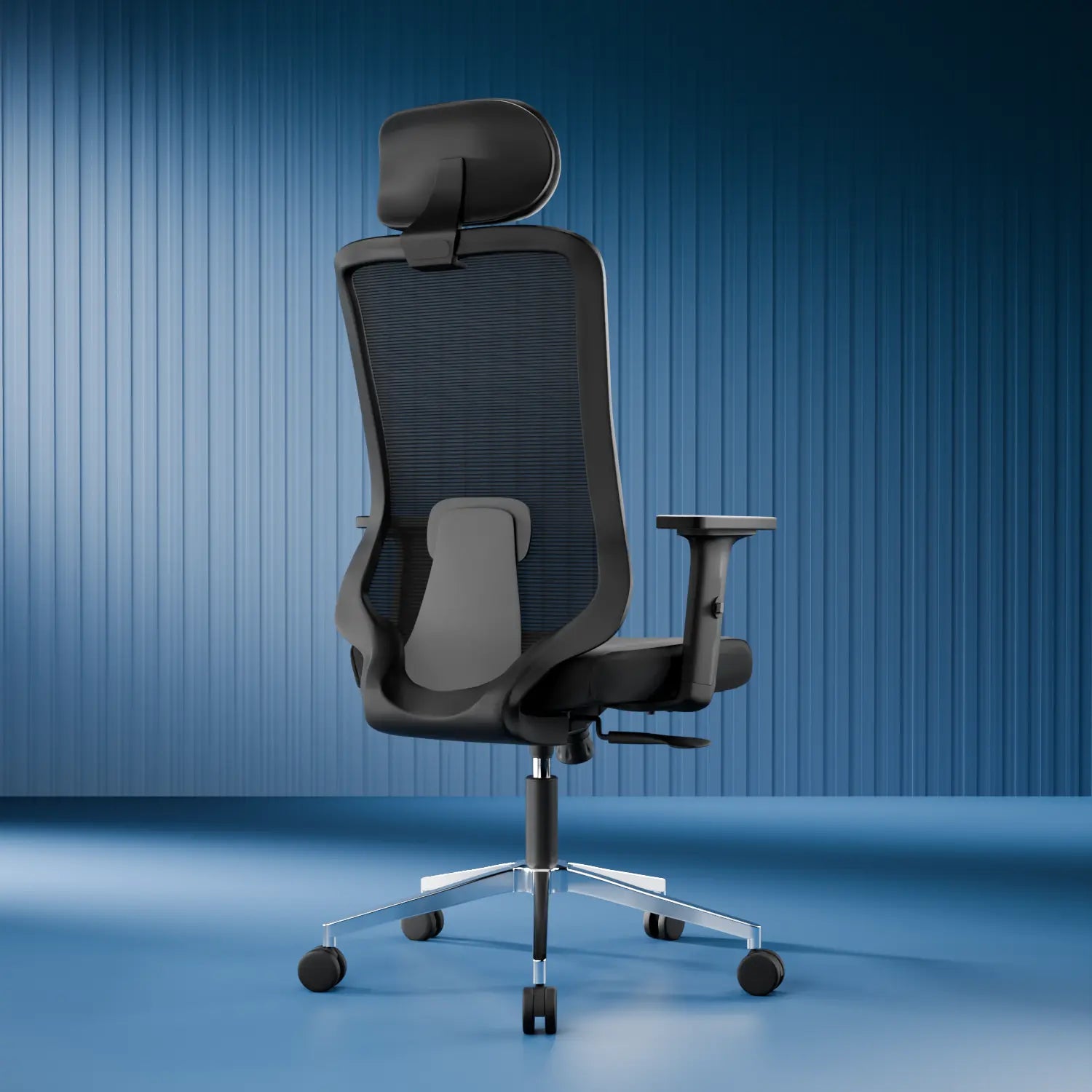
Not everyone needs a headrest, but if you spend long hours working, attend frequent online meetings, or like reclining while reading, it can significantly improve comfort.
An adjustable headrest is always a better option than a fixed one because every person has a different height and sitting posture.
Look for a headrest that offers:
-
Height Adjustment
-
Angle Adjustment
- Comfortable cushioning
When adjusted correctly, it supports your neck naturally and helps reduce strain during long sitting sessions.
IX. Weight Capacity
Weight capacity isn't just about how much weight a chair can hold, it's also an indicator of the chair's overall strength, stability, and durability.A well-built ergonomic office chair should include:
-
Strong heavy duty metal or reinforced nylon wheelbase
-
Stable five-star wheelbase for better balance
A sturdy wheelbase improves stability, prevents wobbling, and increases the lifespan of the chair, especially if it's used daily.
Many standard office chairs support around 100–120 kg, while heavy-duty models are designed for higher capacities. Always check the wheelbase quality to understand the weight capacity
For Example - Plastic Wheelbase less weight capacity, Alluminium Wheelbase can sustain upto 150 kgs.
X. Chair Dimensions
A chair should fit your body and not just your room.
Check:
- Seat width
- Seat depth
- Backrest height
- Overall dimensions
Tall users often benefit from high-back chairs, while petite users may prefer more compact designs.
XI. Wheel Quality
Poor casters can scratch floors and make movement difficult.
Choose:
- PU wheels
- Smooth rolling casters
- Silent wheels
Different caster types perform better on hard floors versus carpets, so match them to your workspace.
XII. Warranty
A quality ergonomic chair should include a manufacturer warranty.
Look for:
-
Gas lift warranty
-
Mechanism warranty
-
Wheel warranty
Inshort all the functional parts of the chair should be covered under the warranty, Longer warranties often indicate greater confidence in product durability.
XIII. Build Quality
An office chair may look stylish on the outside, but what truly determines its durability is what's inside. A well-built ergonomic office chair not only lasts longer but also provides better stability, safety, and consistent comfort over years of daily use. Always Check:
- Body frame material quality
- Metal base quality
- Quality gas lift
- SGS or BIFMA-tested components where applicable
These features contribute to long-term reliability and safety.
XIV. Choose a Chair Based on Your Daily Sitting Hours
Not everyone needs the same type of office chair. The best office chair for someone who sits for three hours a day will be very different from the one needed by someone working eight to ten hours daily. Here's a simple guide -
| Daily Sitting Hours | Recommended Chair Type | Essential Features |
| 1–3 Hours | Basic Office Chair | Comfortable cushion, fixed back support |
| 3–5 Hours | Ergonomic Office Chair | Adjustable height, lumbar support, reclining back |
| 5–8 Hours | Executive Ergonomic Chair | Adjustable lumbar support, adjustable armrests, reclining mechanism, breathable mesh |
| 8+ Hours | Premium Ergonomic Office Chair | Multi-adjustable lumbar support, headrest, 3D/4D armrests, multiple recline lock positions, high-density cushion, sturdy wheelbase |
XV. Brand Reputation & Customer Reviews
A chair's quality isn't determined by features alone and it's also reflected in the brand's reputation and customer experience. Before buying, take a few minutes to research the brand and ensure it offers reliable support after your purchase.
Before purchasing:
-
Read verified customer reviews to understand real user experiences.
-
Check the quality of after-sales support.
-
Review the warranty coverage and claim process.
- Ensure spare parts are readily available if needed.
A reputable brand with positive reviews, responsive customer service, and strong warranty support provides greater peace of mind and makes your investment worthwhile.
Common Mistakes Buyers Make
Many buyers choose an office chair based only on its appearance or the lowest price. Two chairs may look almost identical, but they can differ significantly in build quality, ergonomic features, materials, warranty, and durability. A lower-priced chair may end up costing more in the long run if it lacks proper support or wears out quickly.
Avoid these common mistakes:
- Choosing the cheapest option without comparing features: Similar-looking chairs can have major differences in quality, comfort, and ergonomic support.
- Overlooking adjustability: Adjustable features ensure the chair fits your body and workspace.
- Choosing style over comfort: Prioritize ergonomics over aesthetics.
- Skipping warranty details: Check what's covered before making a purchase.
- Not measuring your workspace: Ensure the chair fits your desk and available space.
- Assuming one chair fits everyone: Choose a chair based on your height, weight, and daily usage.
By avoiding these mistakes, you'll invest in a chair that delivers better comfort, durability, and long-term value rather than just a lower upfront price.
Final Thoughts
Choosing the right office chair is about more than just price or appearance—it's about investing in your comfort, posture, and long-term well-being. Spending a few extra minutes comparing features like ergonomic support, adjustability, build quality, and warranty can help you avoid discomfort and costly replacements later.
The best office chair is one that adapts to your body, supports your posture, and keeps you comfortable throughout your workday. A well-chosen ergonomic chair can improve productivity, reduce fatigue, and provide lasting value for years to come.
Ready to Buy Your Office Chair?
Now that you know what to look for, you're ready to choose an office chair that delivers lasting comfort, proper support, and great value. Don't settle for a chair based on looks or price alone invest in one that supports your body every day.
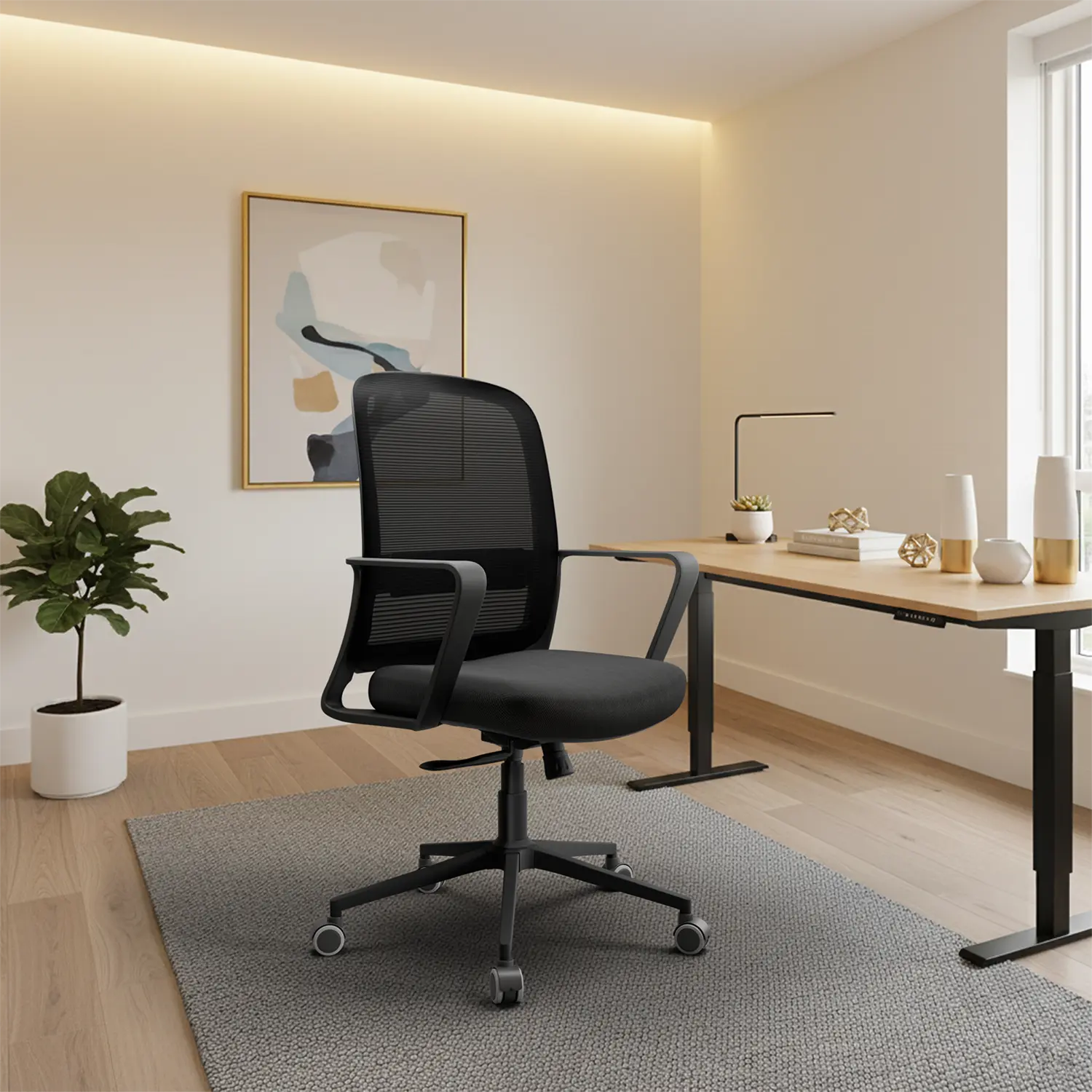
At Vergo, we offer ergonomic office chairs designed for long working hours, better posture, and lasting durability. Whether you're furnishing a home office or upgrading your workplace, you'll find a chair that's built to fit your needs.
Explore Vergo's collection of ergonomic office chairs and discover comfort.
FAQ -
1. How much should I spend on an office chair?
The right budget depends on your daily usage. If you sit for more than 6 hours a day, investing in a well-built ergonomic chair with multiple adjustments is generally more beneficial than opting for a basic chair.
2. Should I buy an office chair online?
Yes, provided you review detailed specifications, adjustment options, warranty terms, and verified customer reviews before purchasing.
3. Is a mesh office chair better than a cushioned chair?
Both have advantages. Mesh chairs provide better airflow, while high-density cushioned chairs often offer a softer seating experience. The best choice depends on your comfort preferences, climate, and usage.
4. Should I buy a high-back or mid-back office chair?
High-back chairs provide extra neck and shoulder support, while mid-back chairs are suitable for shorter working hours and compact workspaces.
5. How important is the build quality of an office chair?
A durable frame, sturdy wheelbase, and quality gas lift ensure better stability, safety, and a longer lifespan.