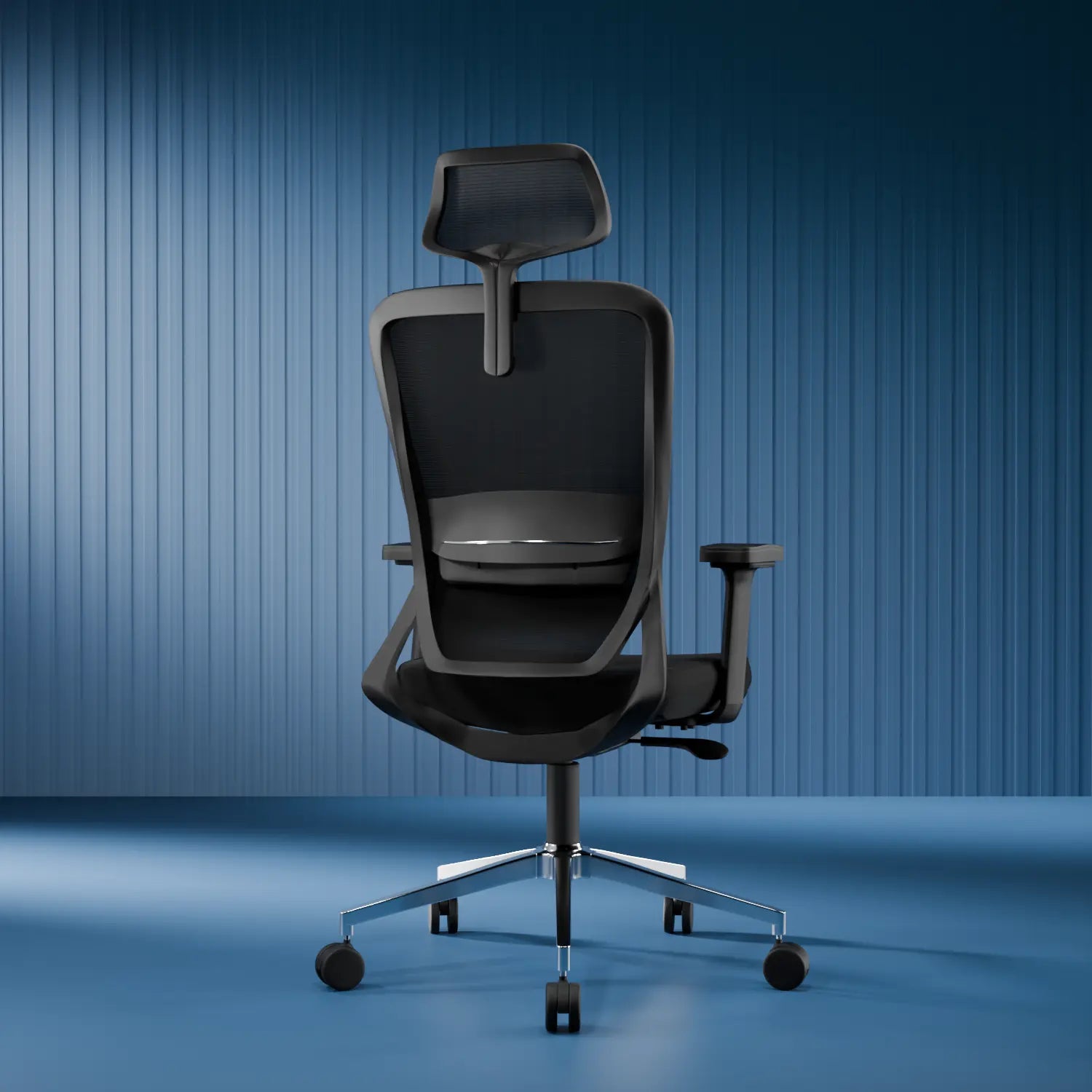
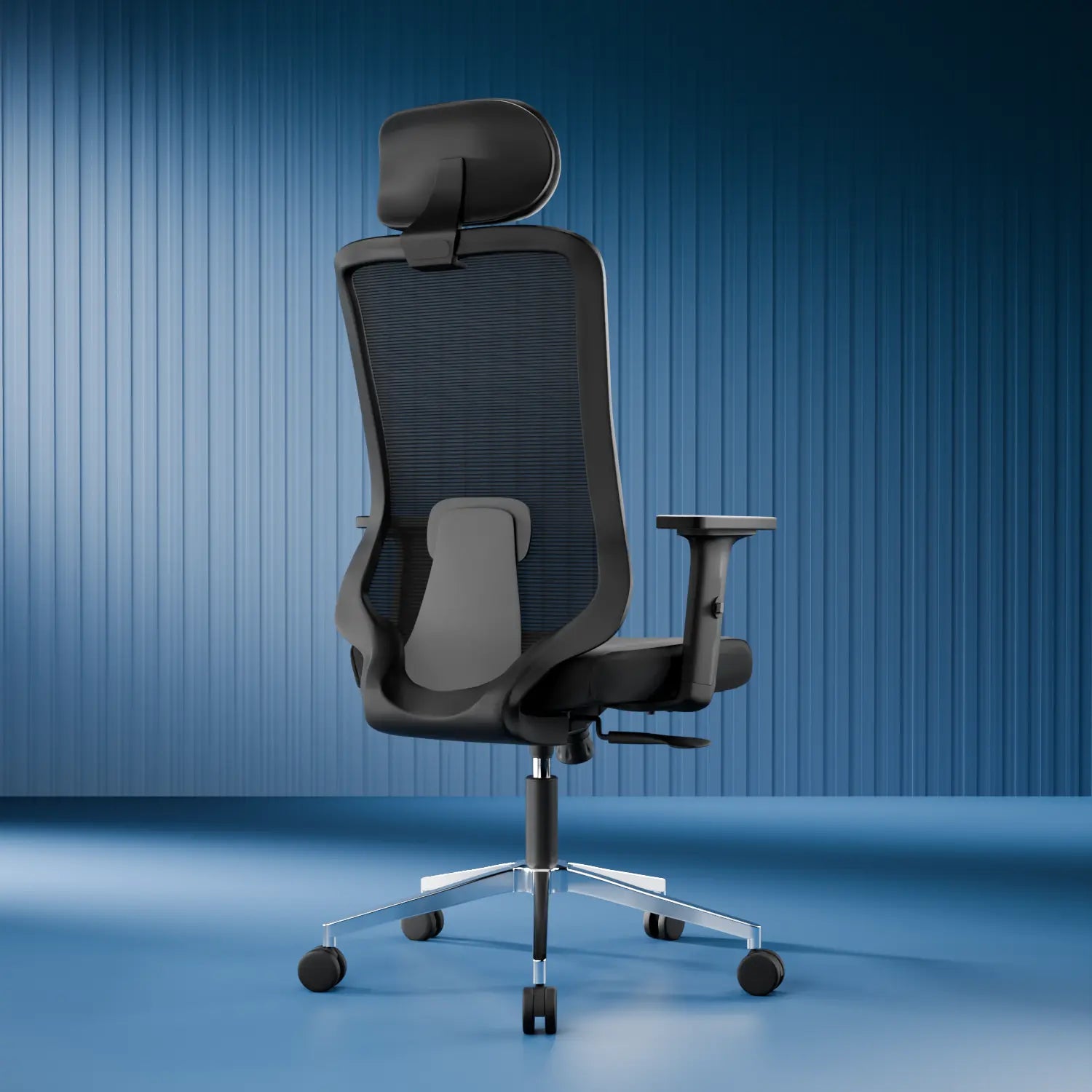




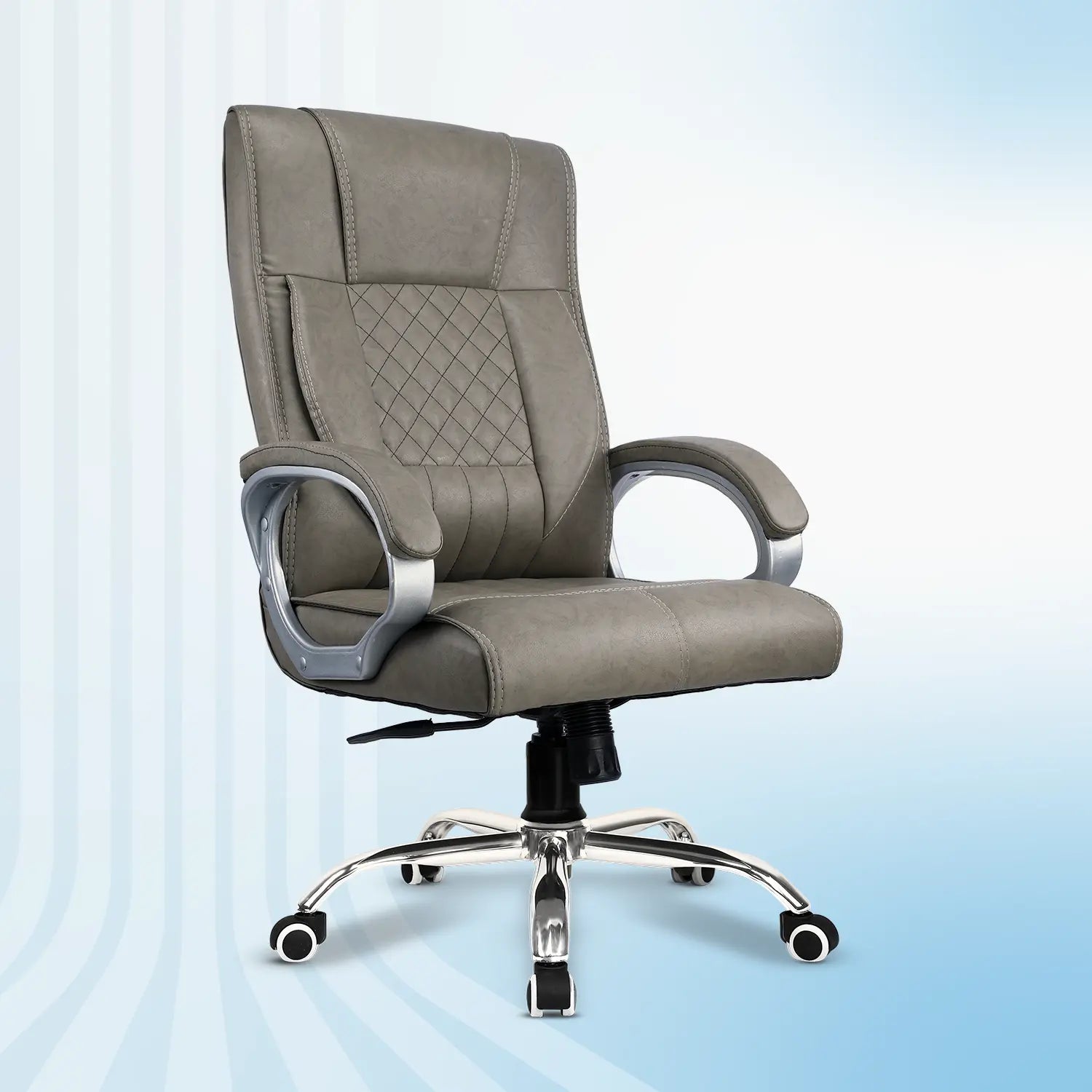
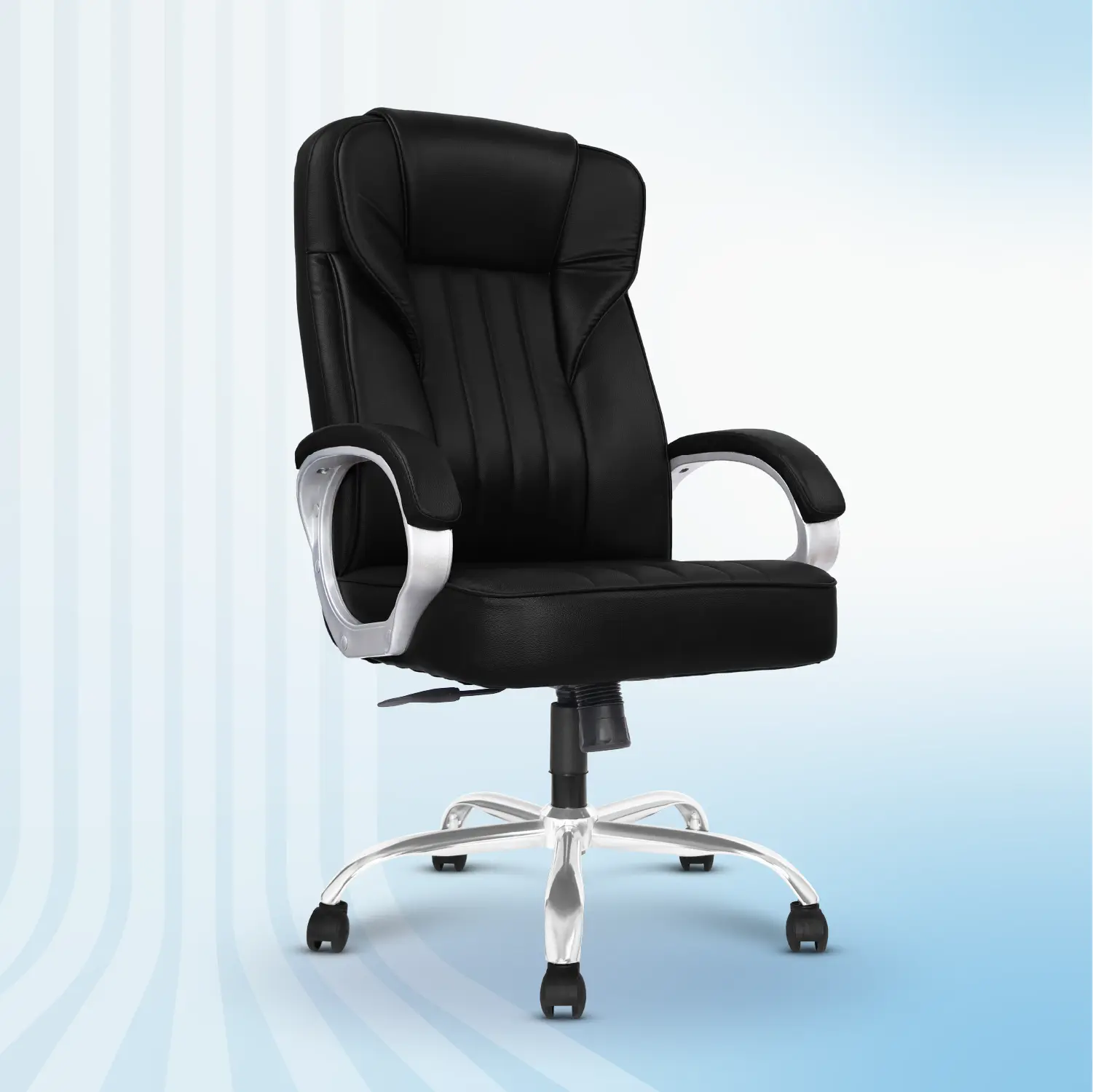

An office chair often gets all the attention when setting up a workspace, but the truth is your office table is just as important.
Think about it, your laptop, monitor, keyboard, documents, and even your posture depend on the desk you use every day. A table that's too small, too high, unstable, or poorly designed can make even the best ergonomic chair feel uncomfortable. Whether you're working from home, running a business, studying, or setting up a corporate office, your desk becomes the foundation of your productivity.
According to the Occupational Safety and Health Administration (OSHA), a well-designed workstation helps reduce unnecessary strain on the body and supports better posture during prolonged computer work. Research published in the International Journal of Environmental Research and Public Health also suggests that ergonomic workstations can improve comfort and help reduce work-related musculoskeletal discomfort when combined with healthy work habits.
The good news? Buying the right office table isn't complicated when you know what to look for.
In this buying guide, we'll walk you through the 15 most important things to check before buying an office table, helping you choose one that's comfortable, durable, functional, and built to support your daily work.
Why Choosing the Right Office Table Matters
Your office table does more than hold your laptop, it influences how comfortably and efficiently you work.
A poorly designed desk can lead to:
-
Poor sitting posture
-
Shoulder and wrist discomfort
-
Neck strain
-
Limited workspace
-
Reduced productivity
- Cluttered workstations
On the other hand, a thoughtfully designed office table helps create an organized workspace, encourages better posture, and supports a more productive workday.
I. Choose the Right Table Size
One of the biggest mistakes people make is buying a desk based only on how it looks.
Before purchasing, measure your available workspace and think about how you'll use the table every day.
Ask yourself:
-
Will you use only a laptop?
-
Do you need space for dual monitors?
-
Will you keep files, notebooks, or accessories on your desk?
- Do you need room for writing as well as computer work?
A table that's too small can quickly become cluttered, while one that's too large may make your room feel cramped.
Pro Tip - Leave at least 75–90 cm (30–36 inches) of space behind your chair for comfortable movement.
II. Check the Table Height
Even the most premium office table won't feel comfortable if the height isn't right. For most adults, a standard office desk height is around 28–30 inches (71–76 cm), allowing your elbows to rest comfortably at approximately a 90-degree angle while typing.
Your table should work together with your ergonomic chair and not against it.
If multiple people will use the same workstation, consider a height-adjustable office desk, allowing users to customize the height based on their comfort.
Why It Matters - The correct table height helps reduce unnecessary strain on your shoulders, wrists, and neck during long working hours.
III. Consider Your Workspace Requirements
Not every office table is designed for the same purpose. Someone using only a laptop has different needs than a graphic designer, gamer, architect, or finance professional managing multiple screens.
Choose a table that matches your daily work.
|
Work Type |
Recommended Table |
|
Laptop Users |
Compact office desk |
|
Work From Home |
Ergonomic office table |
|
Dual Monitor Setup |
Wide office workstation |
|
Creative Professionals |
Large office desk |
|
Corporate Offices |
Modular office table |
Buying a table that suits your workflow improves organization and efficiency.
IV. Build Quality & Material
Your office table should be built to last—not just look good on day one. The quality of materials directly affects durability, stability, and long-term performance.
Common Materials You should look for -
- Engineered Wood - Affordable, durable, and suitable for most home offices.
- MDF - Provides a smooth finish and modern appearance.
- Solid Wood - Premium appearance with excellent durability but generally higher in cost.
- Steel Frame - Adds strength and improves stability, especially for heavy workstations.
- Powder-Coated Metal Legs - Resist scratches, rust, and daily wear.
A combination of a sturdy steel frame and engineered wood top often provides the best balance between durability, affordability, and aesthetics.
V. Stability Matters More Than You Think
Have you ever worked on a desk that shakes every time you type? Even slight wobbling can become frustrating over time, especially when using multiple monitors or during video calls.
A stable office table improves your overall working experience and protects your equipment. Always Look for:
-
Strong frame construction
-
Reinforced joints
-
Anti-slip feet
-
Thick tabletop
- Quality hardware
A sturdy desk also tends to last longer and requires less maintenance over the years.
VI. Storage & Organization Features
A clutter-free workspace helps you stay focused and productive. If your desk constantly fills up with notebooks, chargers, files, and stationery, it may be time to consider an office table with built-in storage.
Before buying, think about what you'll need to keep within easy reach.
Always Look for:
-
Built-in drawers for documents and office supplies
-
Open shelves for books or accessories
-
CPU compartment (if you use a desktop)
- Dedicated storage for frequently used items
For minimalists or laptop users, a clean tabletop without drawers may be enough. However, professionals who manage paperwork or multiple devices often benefit from additional storage.
Pro Tip: Avoid choosing a desk with excessive storage if you don't need it and it can reduce legroom and make your workspace feel cramped.
VII. Check the Weight Capacity
Many buyers overlook this feature, but it's especially important if you use multiple monitors, a desktop CPU, printers, or heavy office equipment.
An office table should comfortably support the combined weight of all your equipment without bending or wobbling.
Consider the total weight of:
-
Laptop or desktop
-
One or more monitors
-
Printe
-
Books and files
-
Speakers
- Desk accessories
A sturdy table not only protects your equipment but also provides better stability for everyday work.
VIII. Ensure Comfortable Legroom
No matter how attractive a desk looks, it won't be comfortable if you don't have enough space to sit naturally. Adequate legroom allows you to move freely, change sitting positions, and stretch your legs throughout the day.
When choosing an office table, make sure there are no unnecessary drawers, support bars, or storage units restricting your leg movement.
A comfortable desk should provide:
-
Enough knee clearance
-
Space to stretch your legs
- Freedom to move your chair easily
Good legroom works hand-in-hand with an ergonomic office chair to create a comfortable workstation.
IX. Cable Management Makes a Big Difference
Nothing makes a workspace look more cluttered than tangled cables. Whether you're using a laptop, desktop, monitor, keyboard, speakers, or phone charger, managing cables properly creates a cleaner and more organized desk.
Look for office tables with:
-
Cable management holes
-
Cable trays
-
Hidden wire channels
- Under-desk cable organizers
Besides improving aesthetics, proper cable management also makes cleaning easier and reduces the risk of accidentally pulling or damaging cables.
X. Surface Finish & Maintenance
Your office table is something you'll use every day, so the surface should be durable enough to handle regular wear and tear.
A quality tabletop should resist:
-
Scratches
-
Minor spills
-
Heat from laptops
-
Everyday stains
- Fingerprints (where possible)
Choose finishes that are easy to clean with a soft cloth. This helps your office table maintain its appearance for years. If your workspace receives a lot of natural sunlight, consider materials that are resistant to fading.
XI. Compatibility with Your Ergonomic Setup
Your office table shouldn't work independently and it should complement your entire workspace. An ergonomic workstation is created when your desk, chair, monitor, and accessories work together.
Before buying, check whether your table has enough space for:
-
An ergonomic office chair
-
External monitor
-
Monitor arm
-
Laptop stand
-
Keyboard and mouse
- Desk organizer
A properly planned setup encourages better posture and improves overall comfort during long working hours.
XII. Build Quality & Stability
A premium office table isn't defined only by its appearance—it should also be built with durable materials and strong construction. Look beyond the tabletop and inspect the frame, joints, and supporting structure.
Check for:
-
Heavy-duty steel frame
-
Powder-coated metal legs
-
Reinforced joints
-
High-quality hardware
- Strong edge finishing
These features improve durability, reduce wobbling, and help the desk withstand years of everyday use. If the table feels unstable in a showroom, it will likely become more noticeable over time.
Pro Tip: A sturdy office table is a long-term investment that offers better value than replacing a cheaper desk every few years.
XIII. Warranty & After-Sales Support
A good warranty reflects the manufacturer's confidence in the quality of its product. Before making a purchase, check:
-
Warranty duration
-
What parts are covered
-
Replacement policy
-
Availability of customer support
- Spare parts availability
Reliable after-sales service can make a significant difference if you ever need assistance with assembly, replacements, or product maintenance. Choosing a trusted brand also gives you greater peace of mind after your purchase.
XIV Think About Future Needs & Flexibility
Buying an office table isn't just about what you need today and it's also about how your workspace may evolve in the future. A desk that suits your current setup should also be able to adapt as your work requirements change.
For example, you might start with just a laptop but later add an external monitor, printer, docking station, or additional accessories. Choosing a table with enough space and flexibility now can save you from replacing it sooner than expected.
Before making your purchase, ask yourself:
-
Will I need space for an extra monitor in the future?
-
Do I plan to add storage or desk accessories later?
-
Will this table fit if I move to a different workspace?
- Can it support changing work requirements over the next few years?
Choosing a future-ready office table helps you avoid unnecessary upgrades and ensures your workspace grows with your needs.
XV. Brand Reputation & Customer Reviews
A great office table isn't just about specifications—it's also about the company behind it. Before making your purchase, take a few minutes to research the brand.
Check for:
-
Verified customer reviews
-
Product ratings
-
Warranty coverage
-
After-sales service
-
Availability of replacement parts
- Easy installation support
A trusted brand is more likely to offer consistent quality, reliable customer support, and better long-term value.
Pro Tip: Don't rely solely on star ratings. Read customer reviews to understand real-life experiences with durability, assembly, stability, and after-sales service.
Common Mistakes to Avoid When Buying an Office Table
Even experienced buyers can overlook important details. Here are some common mistakes to avoid:
-
Choosing a table based only on its appearance
-
Ignoring the available space in your room
-
Buying a desk that's too small for future needs
-
Overlooking build quality and stability
-
Not checking the weight capacity
-
Forgetting about cable management
-
Choosing style over ergonomics
- Ignoring warranty and customer support
Avoiding these mistakes can save you from unnecessary expenses and improve your overall work experience.
Final Thoughts
Your office table is more than just a surface to place your laptop and it's the foundation of your entire workspace. From supporting your posture to keeping your essentials organized, the right office table can make a noticeable difference in how comfortably and efficiently you work each day.
When choosing an office table, don't focus only on aesthetics or price. Consider practical features like the right dimensions, sturdy construction, sufficient legroom, quality materials, smart storage, and compatibility with your ergonomic chair. These details may seem small, but together they create a workspace that supports productivity, comfort, and long-term health. Investing in a well-designed office table today can save you from discomfort, clutter, and costly replacements in the future. Whether you're setting up a home office, upgrading your corporate workspace, or creating a study area, selecting the right desk is an investment in both your work and your well-being.
Ready to Choose the Right Office Table?
Now that you know what to look for, finding the perfect office table becomes much easier. Whether you're furnishing a home office or upgrading your workplace, choosing a desk with the right features can make a noticeable difference in your comfort and productivity.
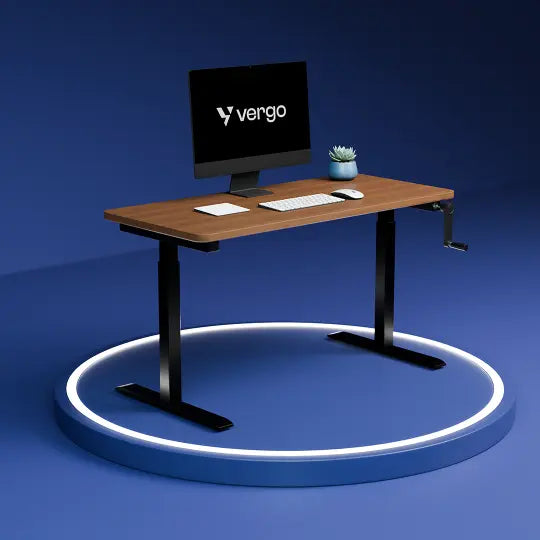
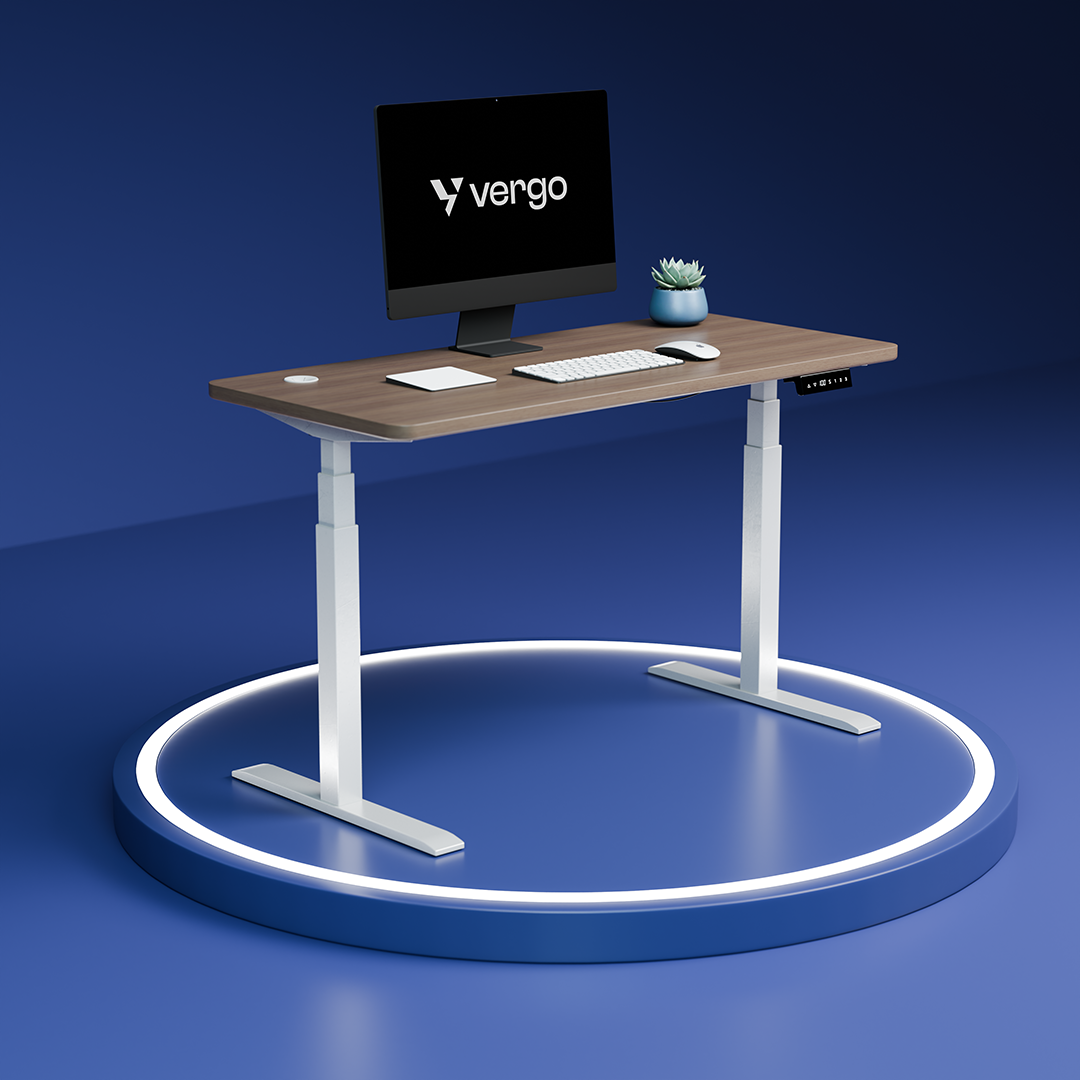
Explore Vergo's collection of thoughtfully designed office tables, manual height-adjustable desks, and electric standing desks to find the perfect fit for your workspace.
FAQ -
1. What should I check before buying an office table?
Consider the table's size, height, build quality, storage, stability, cable management, weight capacity, and warranty before making your purchase.
2. Which office table is best for working from home?
An ergonomic office table with a spacious tabletop, sturdy frame, cable management, and enough storage is ideal for home offices.
3. What is the standard height of an office table?
Most office tables are approximately 28–30 inches (71–76 cm) high, which suits the majority of users when paired with an adjustable office chair.
4. Which material is best for an office table?
Engineered wood with a steel frame is a popular choice because it offers a balance of durability, affordability, and modern design.
5.Can an ergonomic office table improve productivity?
While a table alone isn't a productivity tool, an ergonomic and well-organized workspace can help improve comfort, reduce distractions, and support better focus during long working hours.