




A comfortable workspace is not simply about having a good-looking desk and an expensive office chair. It is about creating an environment that works with your body instead of against it. That is where ergonomics comes in.
From the height of your chair and desk to the position of your monitor, keyboard and mouse, small adjustments can change how your body interacts with your workspace throughout the day.
But what exactly is ergonomics? What makes a workspace ergonomic? And do you really need expensive ergonomic furniture to create one?
In this beginner's guide, we'll explain what ergonomics means, why it matters, the principles of an ergonomic workspace, how to set up your desk and chair, common mistakes to avoid, and what research says about ergonomic interventions.
What Is Ergonomics?
Ergonomics is the science and practice of designing work, tools, equipment and environments to fit the people using them.
The goal isn't simply to make a workspace look comfortable. Ergonomics considers the interaction between people, their tasks and their working environment.
The CDC's National Institute for Occupational Safety and Health (NIOSH) defines ergonomics as designing work tasks to fit workers' capabilities. It explains that ergonomic approaches can help reduce or eliminate work-related musculoskeletal disorders and other injuries while improving workplace safety.
In simple terms: Ergonomics means adapting the workspace to the person and not forcing the person to adapt to an unsuitable workspace.
Why Is Ergonomics Important?
Many modern jobs involve spending long periods at a computer, repeating the same movements or maintaining relatively static positions.
NIOSH identifies several workplace risk factors associated with work-related musculoskeletal disorders (WMSDs), including awkward postures, repetitive movements, force, contact stress and the intensity, frequency and duration of activities.
For desk workers, examples can include:
- Looking down at a poorly positioned laptop
- Reaching too far for a mouse
- Working with elevated shoulders
- Bending the wrists while typing
- Sitting without adequate back support
- Working with a desk that is too high or too low
- Remaining in the same position for extended periods
A properly arranged workstation can help reduce exposure to awkward postures and other physical risk factors. OSHA specifically recommends arranging workstation components to support more neutral body positions.
However, ergonomics should not be presented as a guarantee against pain or injury. Research on workplace ergonomic interventions has produced mixed results, and outcomes depend on the intervention, worker, task and study design.
What Makes a Workspace Ergonomic?
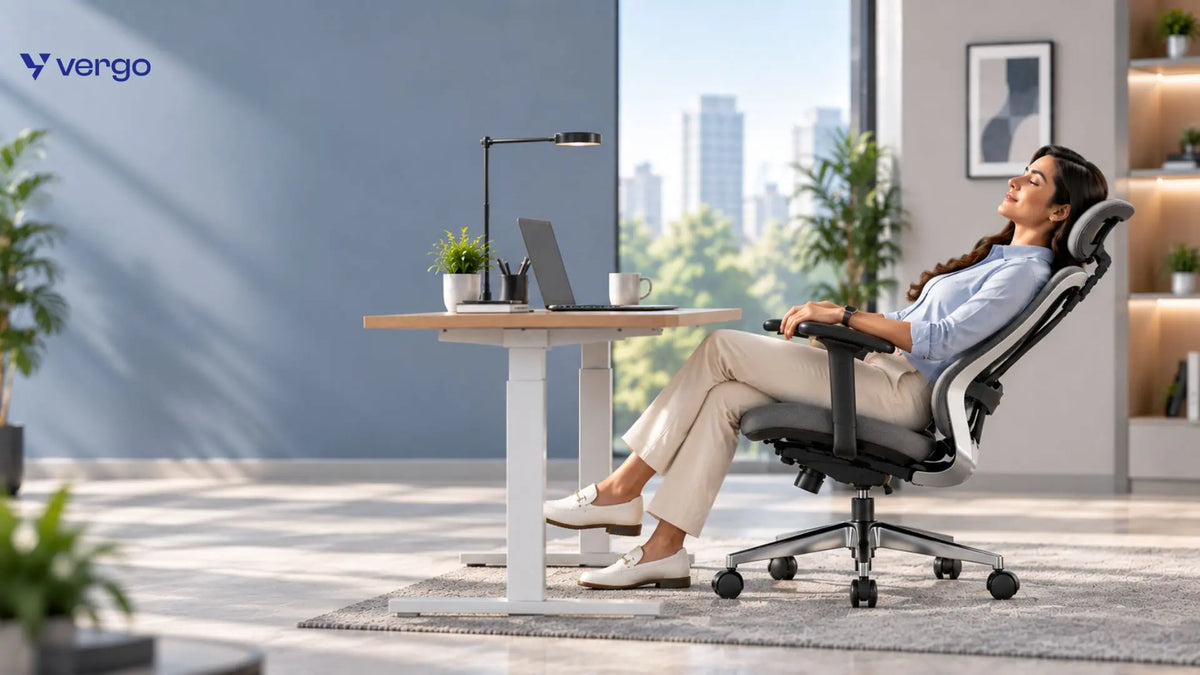
An ergonomic workspace generally allows you to work with your body in a relatively neutral, supported and adjustable position while giving you opportunities to change position throughout the day. There is no single workstation configuration that fits everyone.
 OSHA explicitly notes that there is no single “correct” posture or workstation arrangement for every person. Instead, workstation design should be customized to the user.
A good ergonomic setup should therefore focus on:
1. Adjustability : Your chair, desk and monitor should be adjustable enough to fit your body and task.
2. Neutral positioning: Your head, neck, shoulders, arms, wrists and legs should avoid unnecessary awkward angles.
3. Adequate support : Your chair should support your back and legs, while your feet should have appropriate support.
4. Easy access : Frequently used objects should be within comfortable reach.
5. Movement : Your workspace should allow you to change positions rather than keeping you fixed in one posture.
7 Key Elements of an Ergonomic Workspace
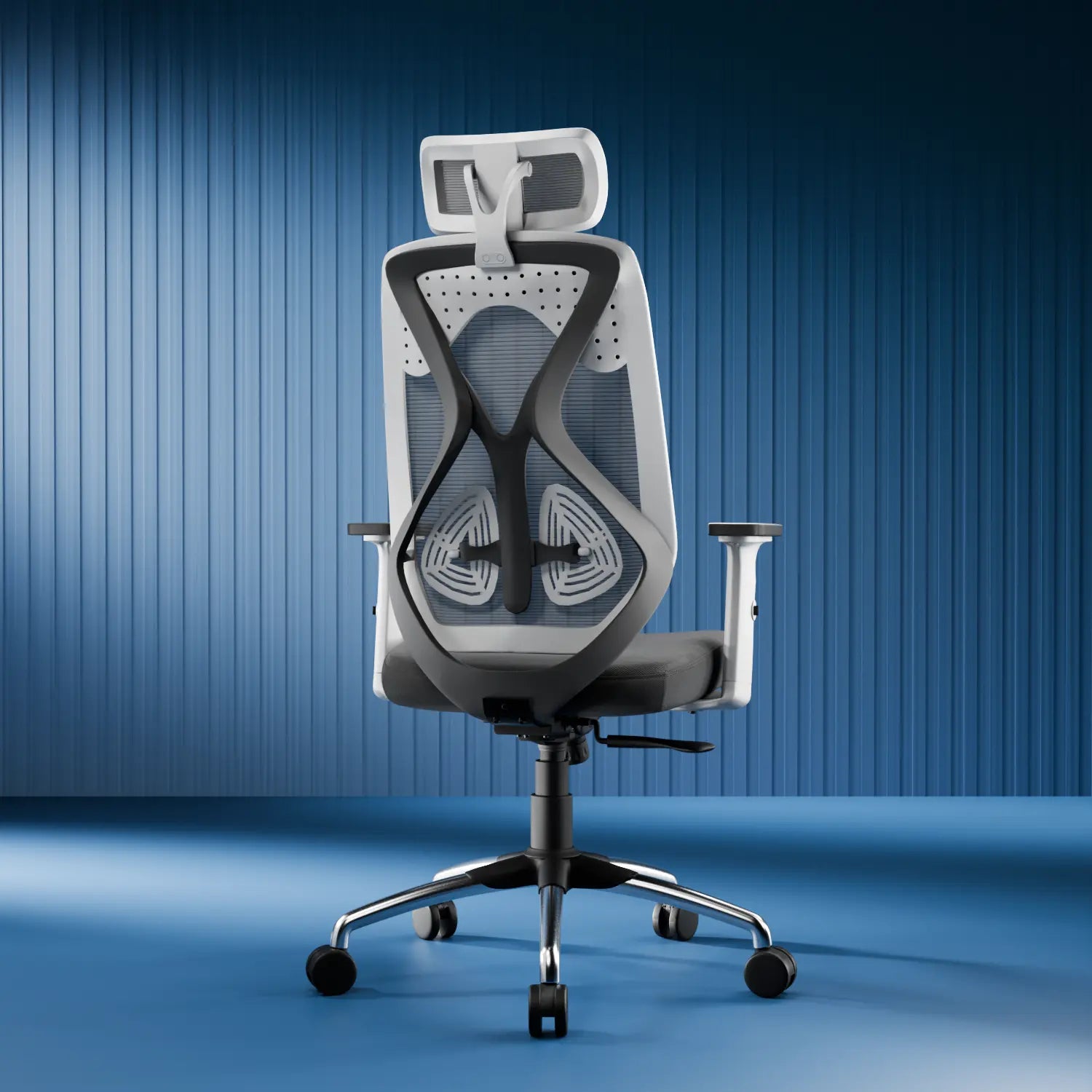
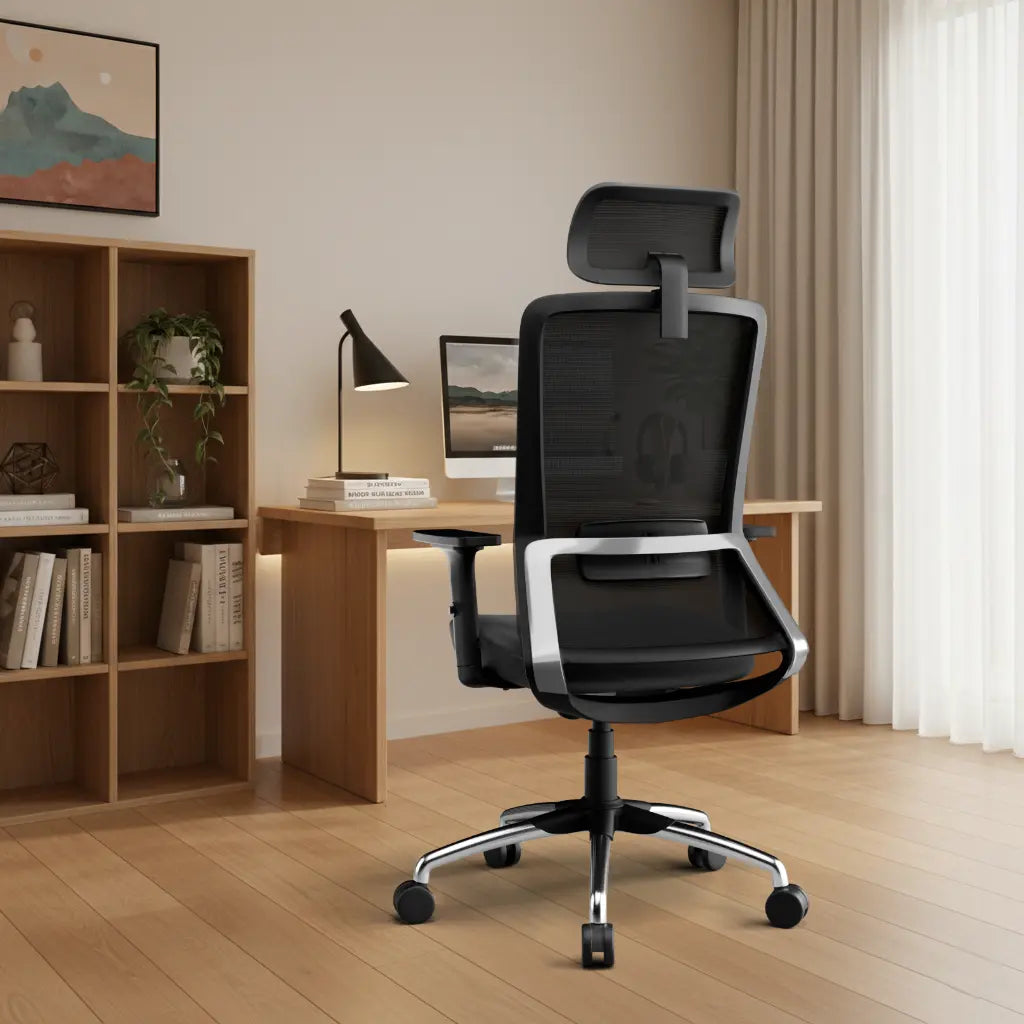
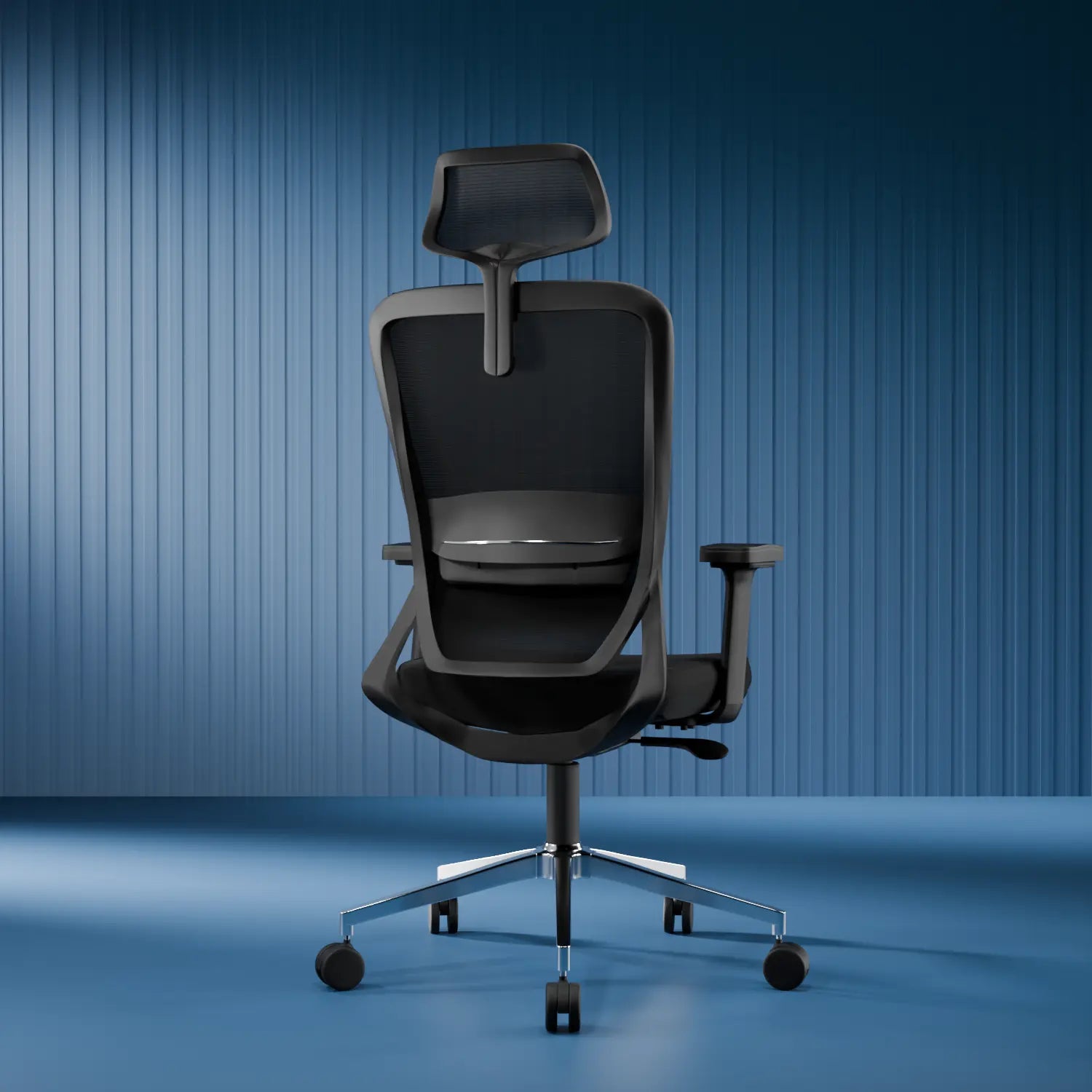
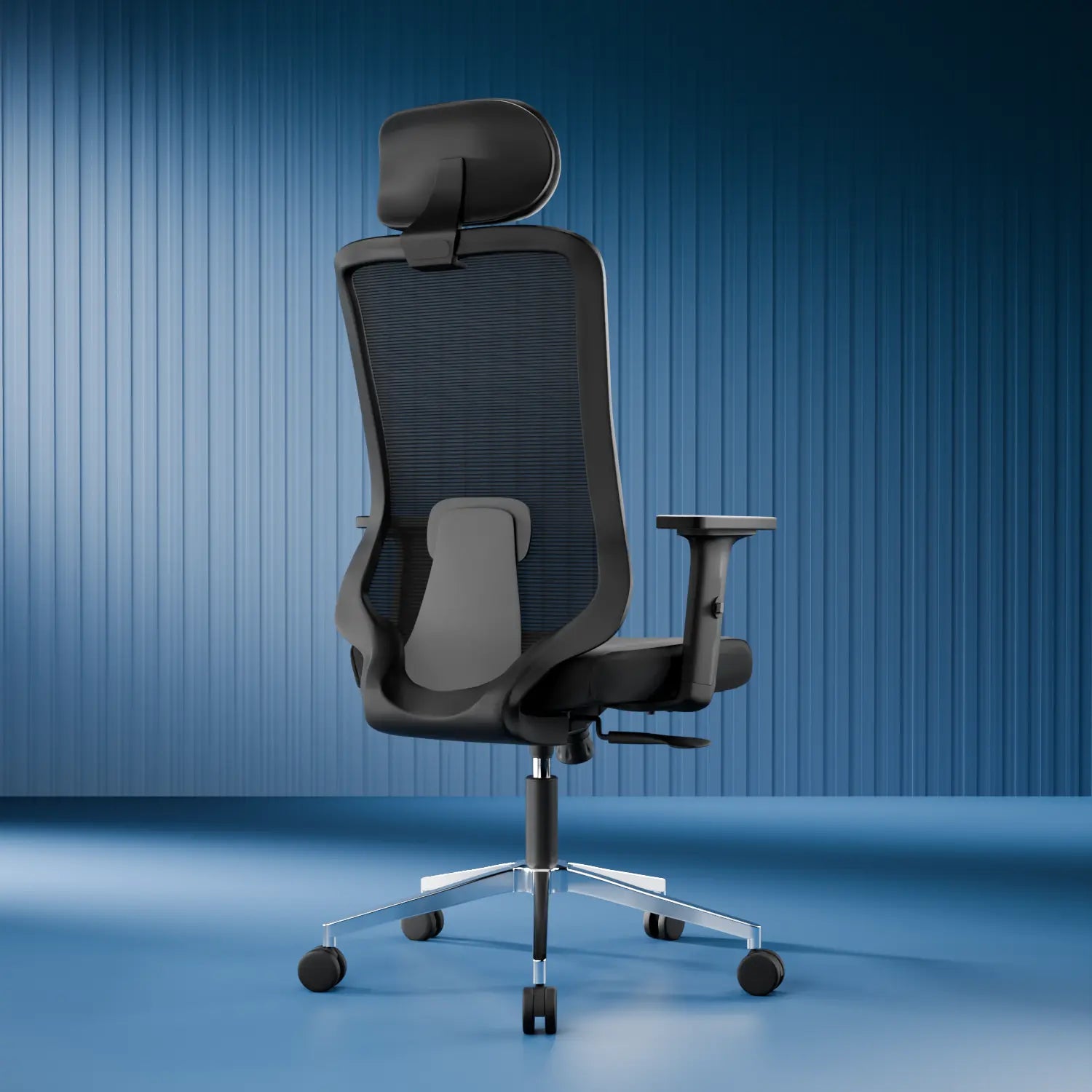
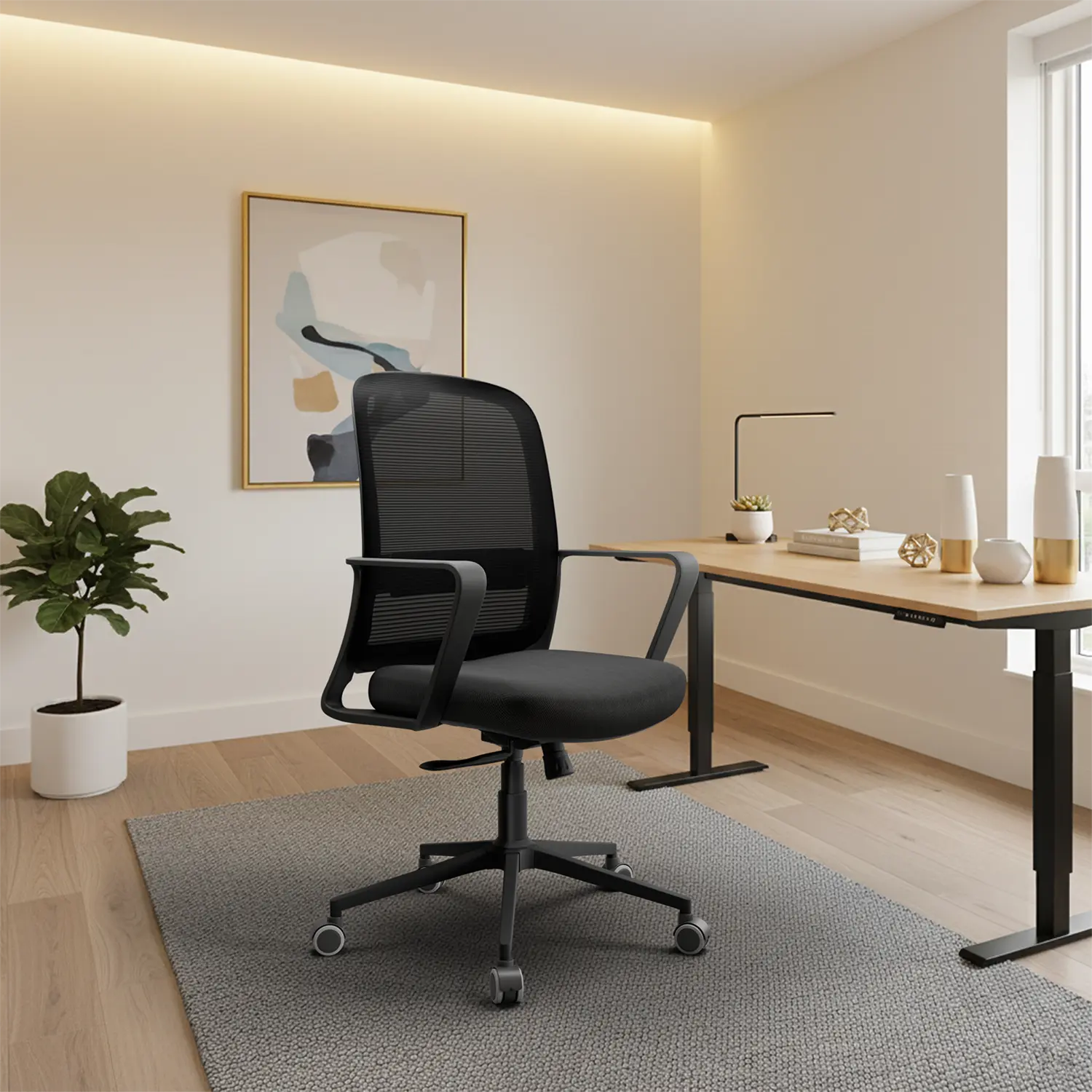
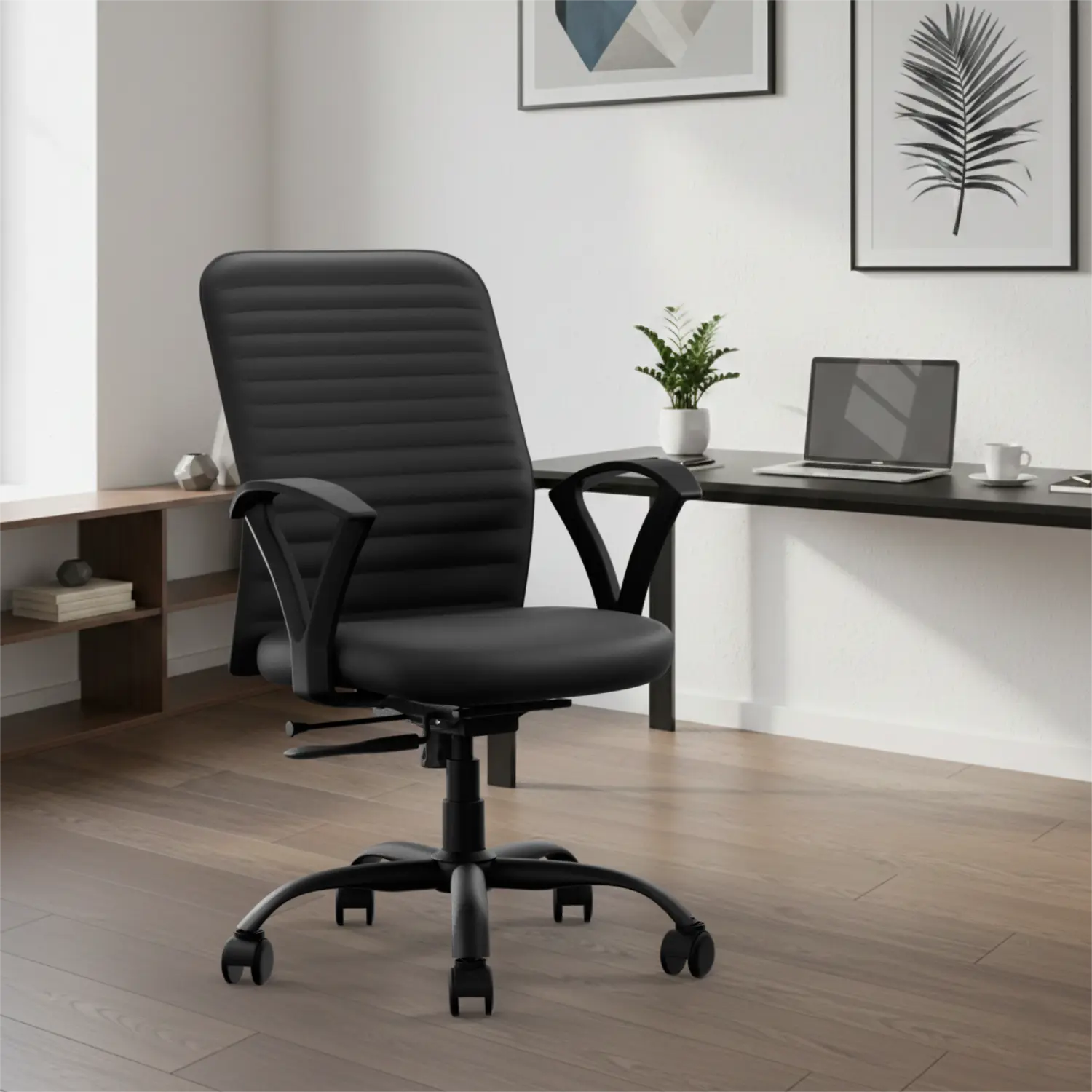
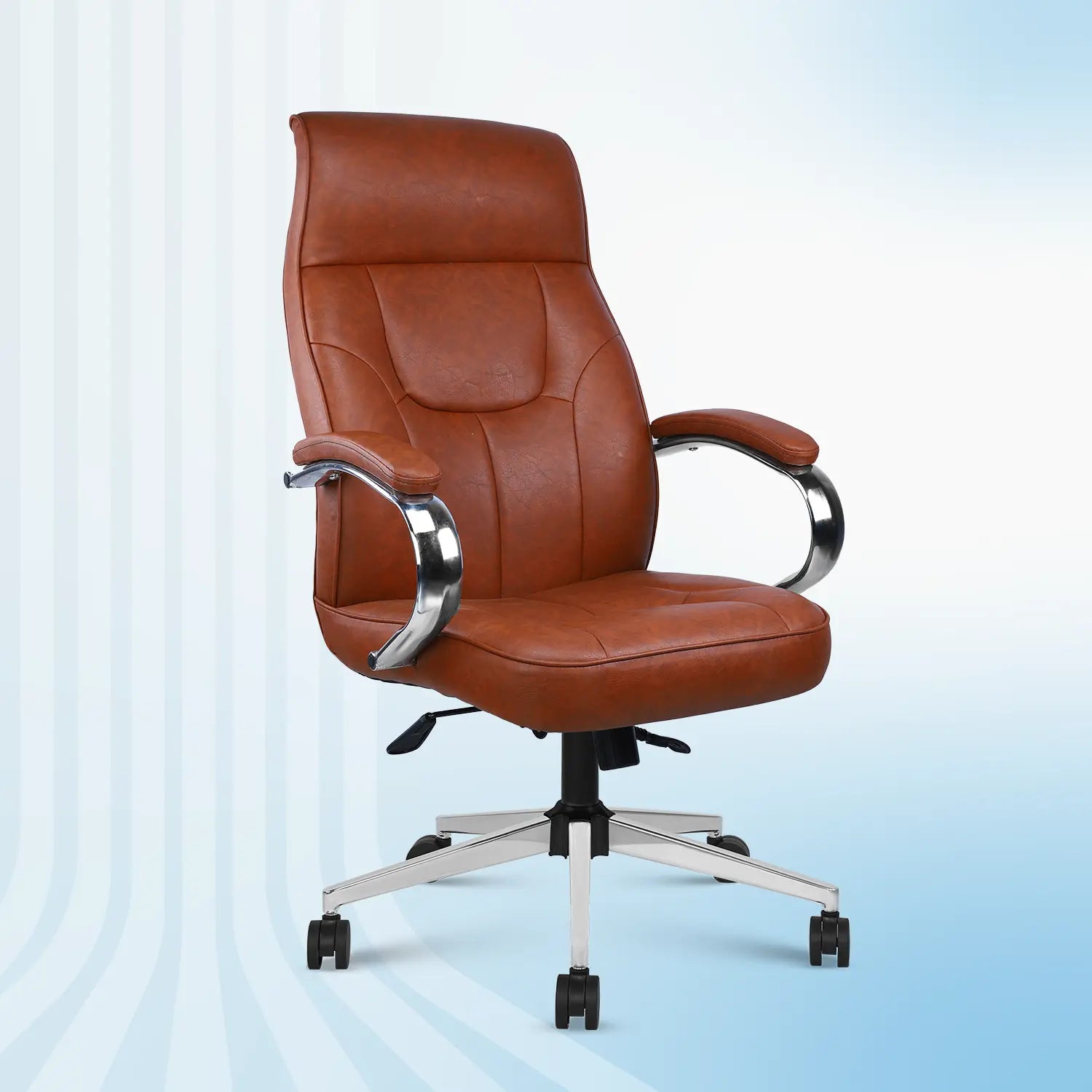
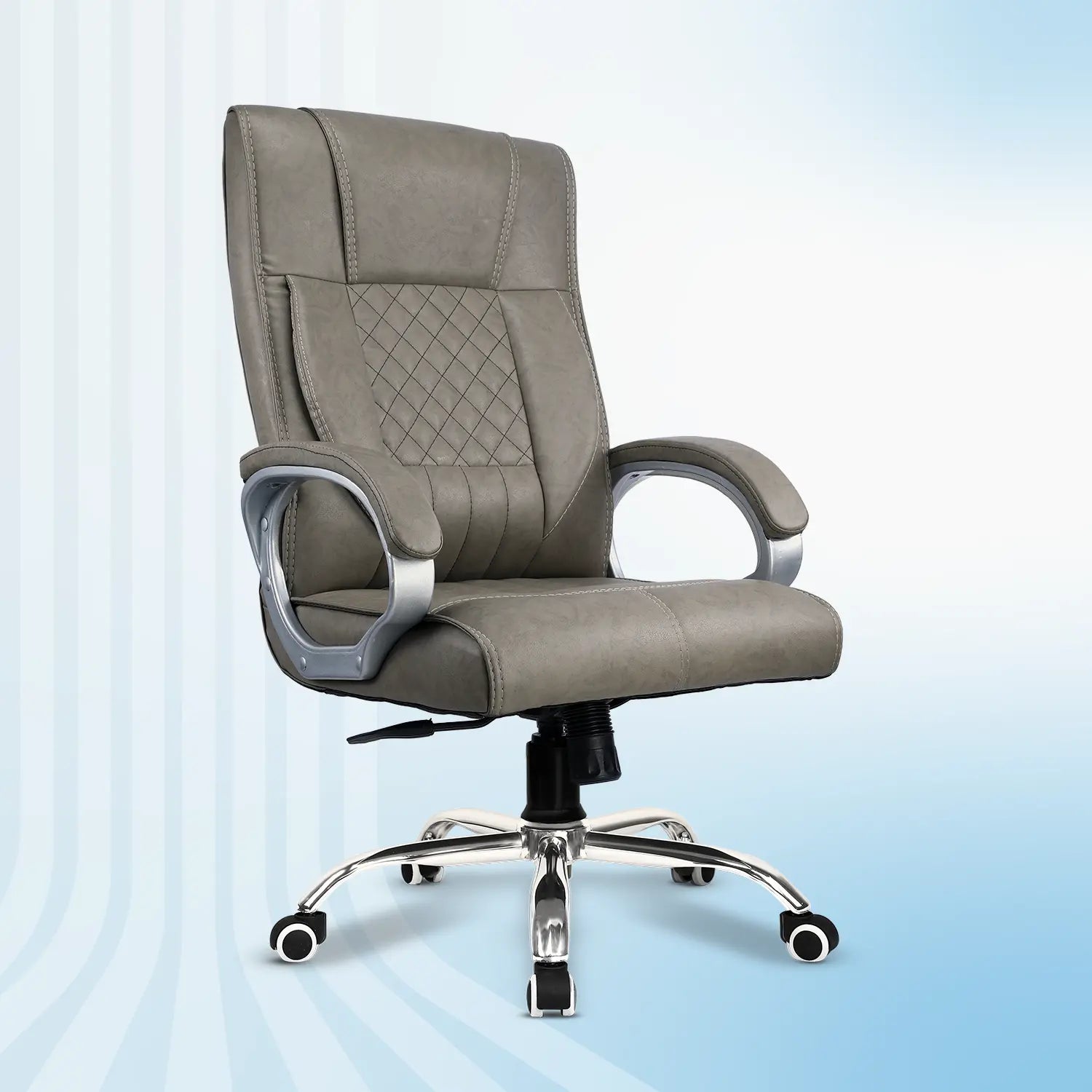
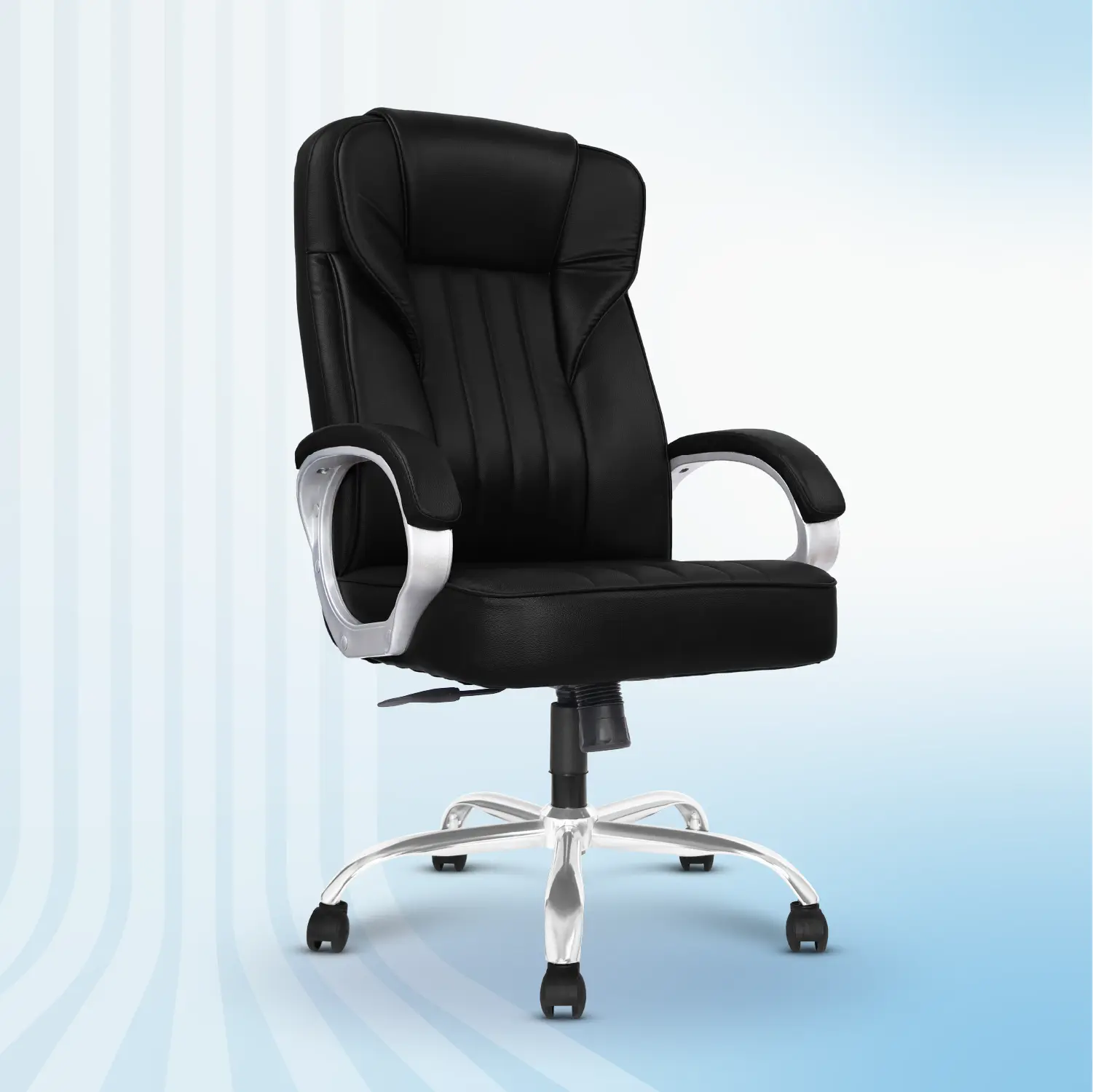
1. Ergonomic Office Chair : Your chair is one of the most important components of a desk-based workstation. A well-designed and properly adjusted chair should provide appropriate support for your back, legs, buttocks and arms while helping reduce awkward postures and contact stress.
Look for:
-
Adjustable seat height
-
Adequate seat depth and width
-
Lumbar support
-
Comfortable seat cushioning
-
Adjustable armrests
-
Reclining backrest
-
Stable five-star base
-
Smooth-moving casters
- Appropriate weight capacity
OSHA also recommends trying chairs for comfort and fit because chair requirements can vary between individuals.
Important: An ergonomic chair isn't automatically ergonomic simply because it has the word ergonomic in its product name. Adjustability and fit matter.
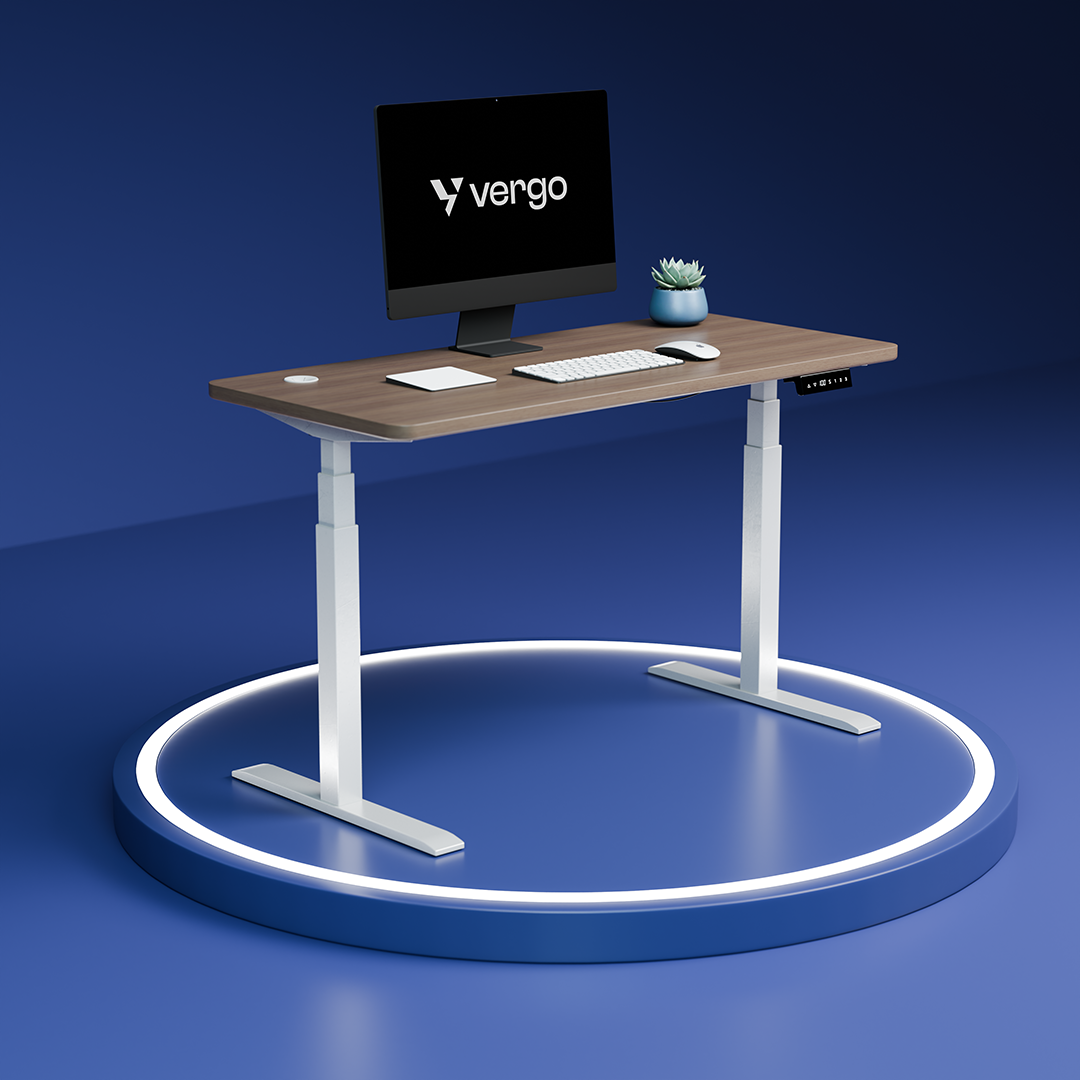
2. Desk or Work Surface : Your desk should provide enough space for your monitor, keyboard, mouse and other frequently used items without forcing you into awkward positions.
OSHA recommends sufficient leg clearance and a work surface that accommodates the equipment required for the task. Its purchasing guidance also recommends that the keyboard be positioned around elbow height and notes that height adjustability is desirable.
For a comfortable desk setup:
-
Keep frequently used items within easy reach.
-
Make sure there is sufficient legroom.
-
Avoid sharp desk edges where your arms rest.
-
Adjust desk and chair height together.
- Consider a height-adjustable desk if you want to alternate between sitting and standing.
3. Monitor Position : Monitor placement has a major influence on your head and neck position. OSHA recommends placing the monitor in front of you at a height that allows you to look straight ahead rather than repeatedly tilting your head forward or backward.
A practical monitor setup:
-
Position the primary monitor directly in front of you.
-
Place it at a comfortable viewing height.
-
Avoid repeatedly looking downward.
-
Position it far enough away that you can read comfortably without leaning forward.
- Reduce glare from windows and lighting.
For people using laptops for extended periods, an external keyboard and mouse combined with a laptop stand or elevated screen can make it easier to position the display and input devices independently.
4. Keyboard and Mouse : Your keyboard and mouse should allow your hands and wrists to remain as neutral as reasonably possible.
OSHA recommends keeping the elbows close to the body, shoulders relaxed and wrists relatively straight while typing. It also recommends adjusting chair and work-surface height together to achieve a neutral posture.
Try to:
-
Keep your keyboard close enough that you aren't reaching forward.
-
Keep your shoulders relaxed.
-
Avoid resting your wrists against sharp edges.
-
Keep the mouse within easy reach.
-
Avoid repeatedly bending your wrist sideways.
- Adjust your chair and desk instead of forcing your arms into an uncomfortable position.
5. Lumbar and Back Support : Your lower back should have appropriate support when you're sitting. A chair with adjustable lumbar support can allow you to position the support according to your body and preferred sitting position.
However, lumbar support isn't a magic solution for back pain. Research on office-chair interventions has found low- to very-low-quality evidence with conflicting results regarding their effects on lower-back pain, discomfort and trunk muscle activation.
The practical takeaway is: Choose a chair that fits you and provides adjustable support, but don't assume one chair feature can prevent or treat back pain.
6. Arm and Leg Position : Your arms and legs should be adequately supported without excessive reaching or compression.
OSHA's guidance on neutral working positions recommends:
- Shoulders relaxed
- Elbows close to the body
- Elbows approximately 90–120 degrees
- Forearms roughly parallel to the floor
- Wrists aligned with forearms
- Feet fully supported by the floor or a footrest
If your feet don't comfortably reach the floor after adjusting your chair to the appropriate desk height, a footrest may help provide support.
7. Lighting and Workspace Environment : Ergonomics isn't limited to your chair and desk. Your surrounding environment also matters.
Poor lighting or monitor glare can make it difficult to see the screen comfortably, potentially encouraging awkward head and neck positions. OSHA recommends controlling glare and using appropriate, well-distributed lighting for computer work.
Also consider:
- Natural light
- Screen glare
- Desk lighting
- Air circulation
- Room temperature
- Noise
- Workspace clutter
A comfortable workspace should support the whole working environment, not just your sitting posture.
What Is Neutral Posture?
You may have heard the phrase “neutral posture” when researching office ergonomics. Neutral posture means positioning the body so that joints are relatively aligned and the muscles, tendons and supporting structures aren't unnecessarily stressed.
For computer work, OSHA recommends:
- Head level and aligned with the torso
- Shoulders relaxed
- Elbows close to the body
- Forearms approximately parallel to the floor
- Wrists straight and aligned with the forearms
- Feet supported
- Back appropriately supported
But remember: neutral doesn't mean motionless.
Staying in exactly the same position all day isn't the goal.
A better approach is to create a workstation that allows you to move, adjust and change positions comfortably.
Sitting Posture vs Movement: Which Matters More?
This is one of the most important points in modern workplace ergonomics. People often search for the “perfect sitting posture.” In reality, there isn't one posture that you need to maintain for an entire workday.
OSHA emphasizes that adjustable workstations can help users vary their sitting positions throughout the workday.
Research also shows why we should be careful about making absolute claims. A 2023 systematic review and network meta-analysis examined 24 studies involving 7,080 office workers. The researchers found that most intervention effects on back pain and work absence were small and based on low or very-low certainty evidence. Combining physical activity with ergonomics showed a reduction in back-pain intensity compared with minimal intervention, but the authors described the overall practical effects as limited.
So instead of thinking: “I need to find the perfect posture.” Think: “I need a workstation that supports comfortable movement and position changes throughout the day.”
Does Ergonomic Furniture Really Work?
Ergonomic furniture is often marketed with broad promises about preventing back pain, improving productivity or eliminating discomfort. Scientific evidence doesn't support treating these claims as universal guarantees.
A systematic review of ergonomic interventions for office workers found that the evidence varied considerably, with no strong overall evidence for specific interventions and many studies focusing primarily on comfort rather than safety or productivity.
Another Cochrane review covering 15 randomized controlled trials involving 2,165 workers found inconsistent evidence for several physical ergonomic interventions aimed at preventing neck and upper-limb musculoskeletal disorders.
At the same time, workplace ergonomic research does identify practical risk factors—such as awkward posture, repetition and prolonged exposure—that can be addressed through workstation design.
How to Create an Ergonomic Home Office
You don't necessarily need to redesign your entire room. Start with the highest-impact adjustments.
Step 1: Adjust your chair - Set the chair so your feet are supported and your back has adequate support.
Step 2: Adjust your desk - Make sure your desk and chair work together rather than adjusting one independently.
Step 3: Position your monitor - Place the primary monitor directly in front of you and at a comfortable viewing height.
Step 4: Bring your keyboard and mouse closer - Avoid reaching forward or sideways for frequently used devices.
Step 5: Check your wrists - Make sure your wrists aren't consistently bent upward, downward or sideways while typing.
Step 6: Improve lighting - Reduce screen glare and use appropriate task lighting.
Step 7: Change positions - Use your chair's recline function, stand when appropriate, walk during breaks and change your working position.
Step 8: Reassess - If something feels uncomfortable, don't assume you simply need to “get used to it.” Check whether your equipment or setup can be adjusted.
Final Thoughts
Ergonomics is not about finding one perfect chair, desk height or sitting posture. It's about creating a workspace that fits you. A comfortable ergonomic workspace combines appropriate furniture, adjustability, neutral positioning, good equipment placement and regular movement.
Start with the basics: adjust your chair, position your monitor correctly, keep your keyboard and mouse within easy reach, support your feet and reduce unnecessary reaching or awkward postures. Then look at the bigger picture.
Because the most ergonomic workspace isn't necessarily the one with the most expensive furniture. It's the one that is properly adjusted to the person using it and allows that person to work comfortably, safely and flexibly.
Build Your Workspace Around Your Body
At Vergo, ergonomic furniture is designed to help you create a workspace that can adapt to your everyday working needs.
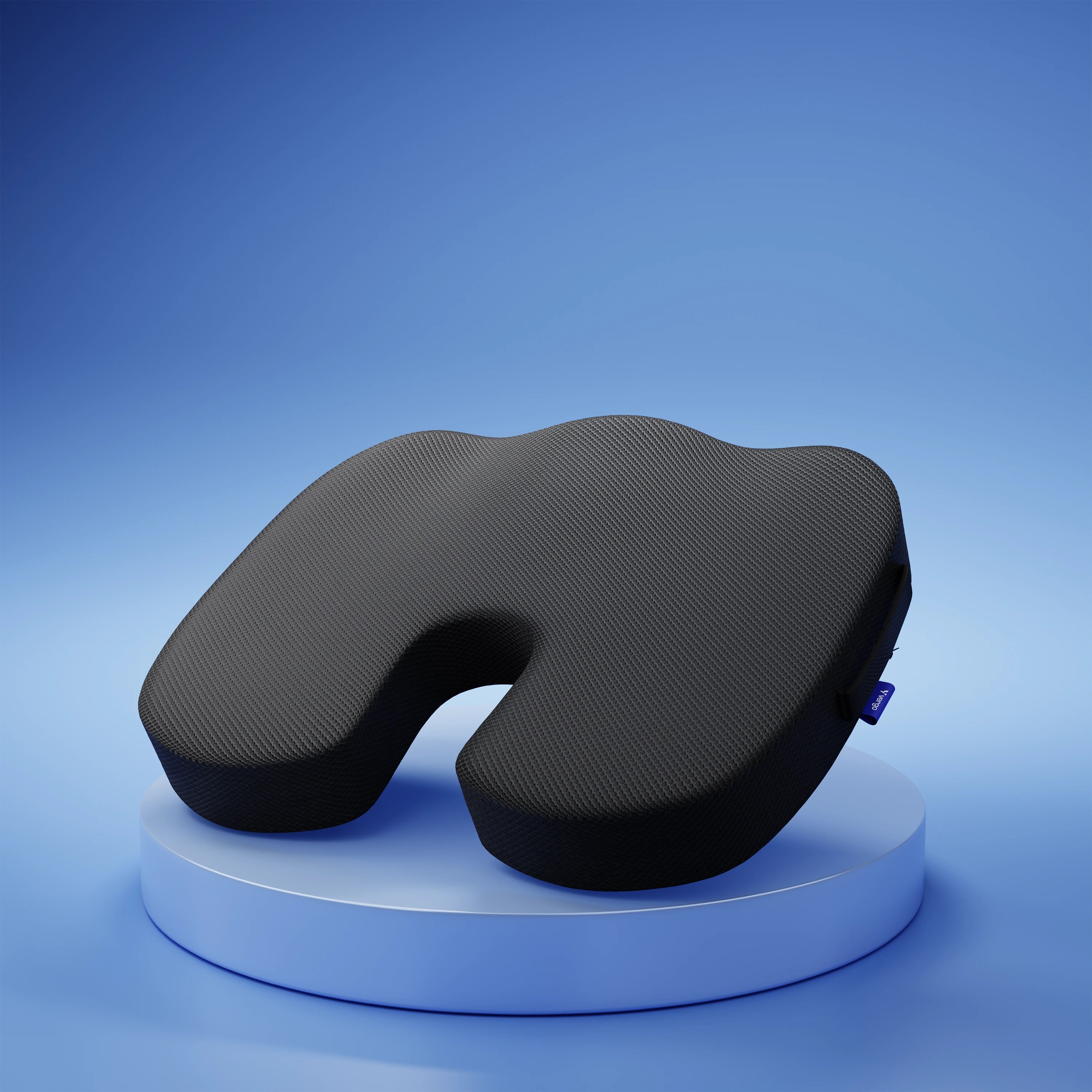
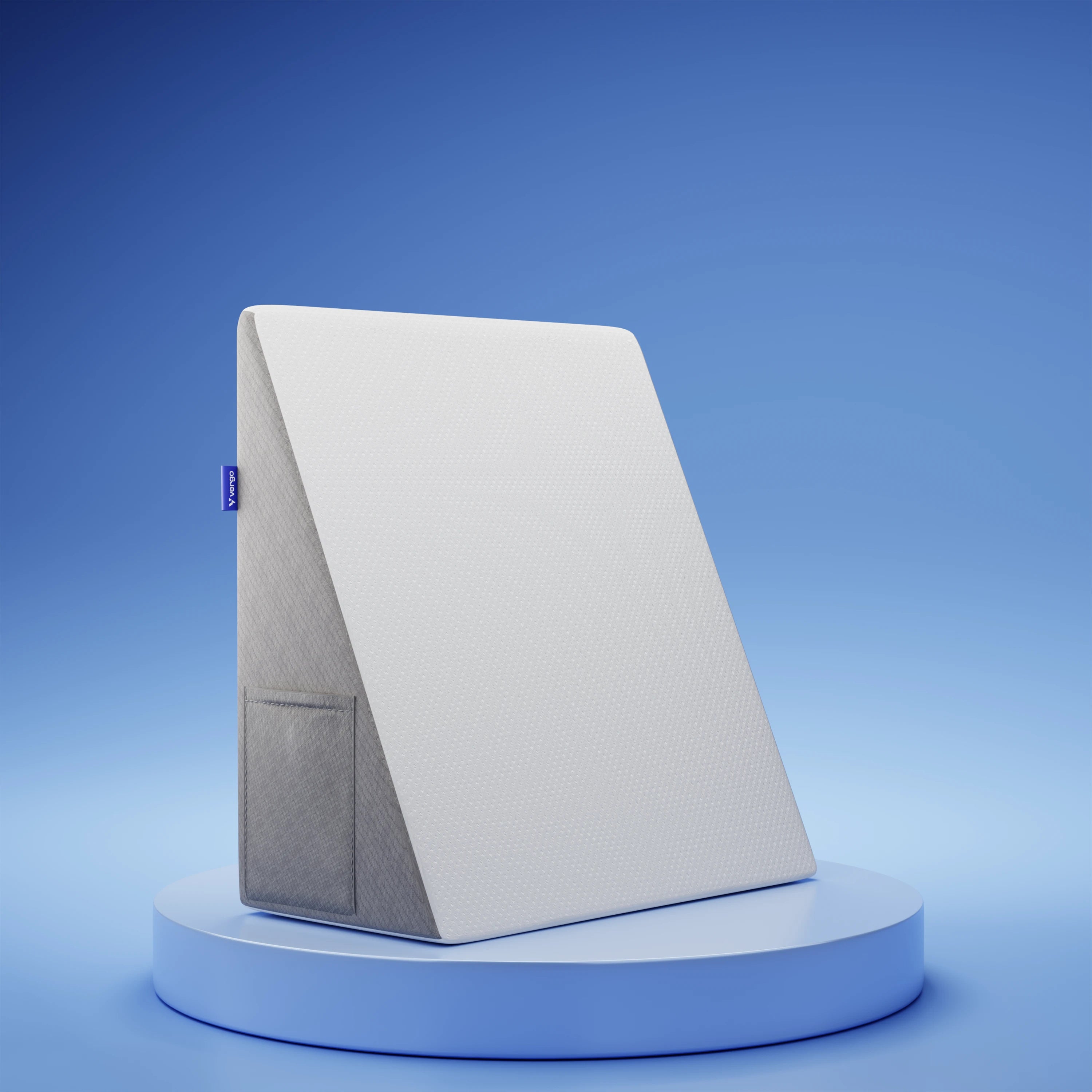
Explore ergonomic office chairs, adjustable desks and ergonomic support products to build a workspace that works for you.
FAQ -
1. What is ergonomics in simple words?
Ergonomics means designing your workspace, tools and tasks so they fit the person using them, rather than forcing the person to work in an unsuitable position.
2.What is an ergonomic workspace?
An ergonomic workspace is a work environment designed to support comfortable, adjustable and relatively neutral body positions while allowing users to change positions throughout the day.
3.What are the 5 principles of ergonomics?
For a simple beginner framework, focus on fit, adjustability, neutral positioning, support and movement. These principles can be applied to chairs, desks, monitors, keyboards and the overall workspace.
4. Is sitting straight all day ergonomic?
Not necessarily. Ergonomics isn't about holding one rigid posture all day. A well-designed workstation should allow comfortable position changes and movement.
5.Does ergonomics prevent back pain?
It would be too strong to say that ergonomics universally prevents back pain. Research on workplace interventions has produced mixed results, and evidence quality varies. Ergonomics is better understood as an approach for identifying and reducing workplace risk factors and improving fit and comfort.