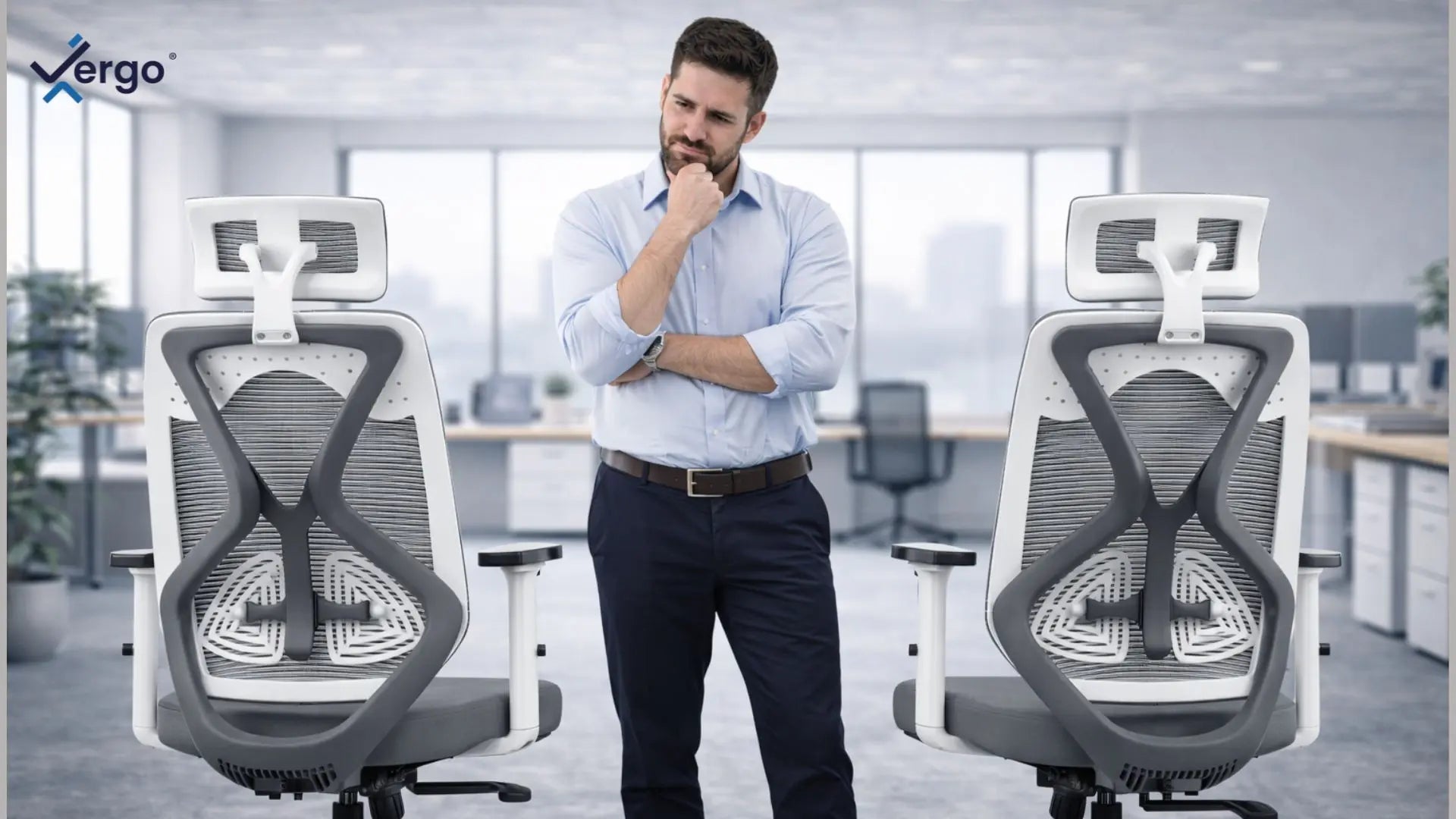
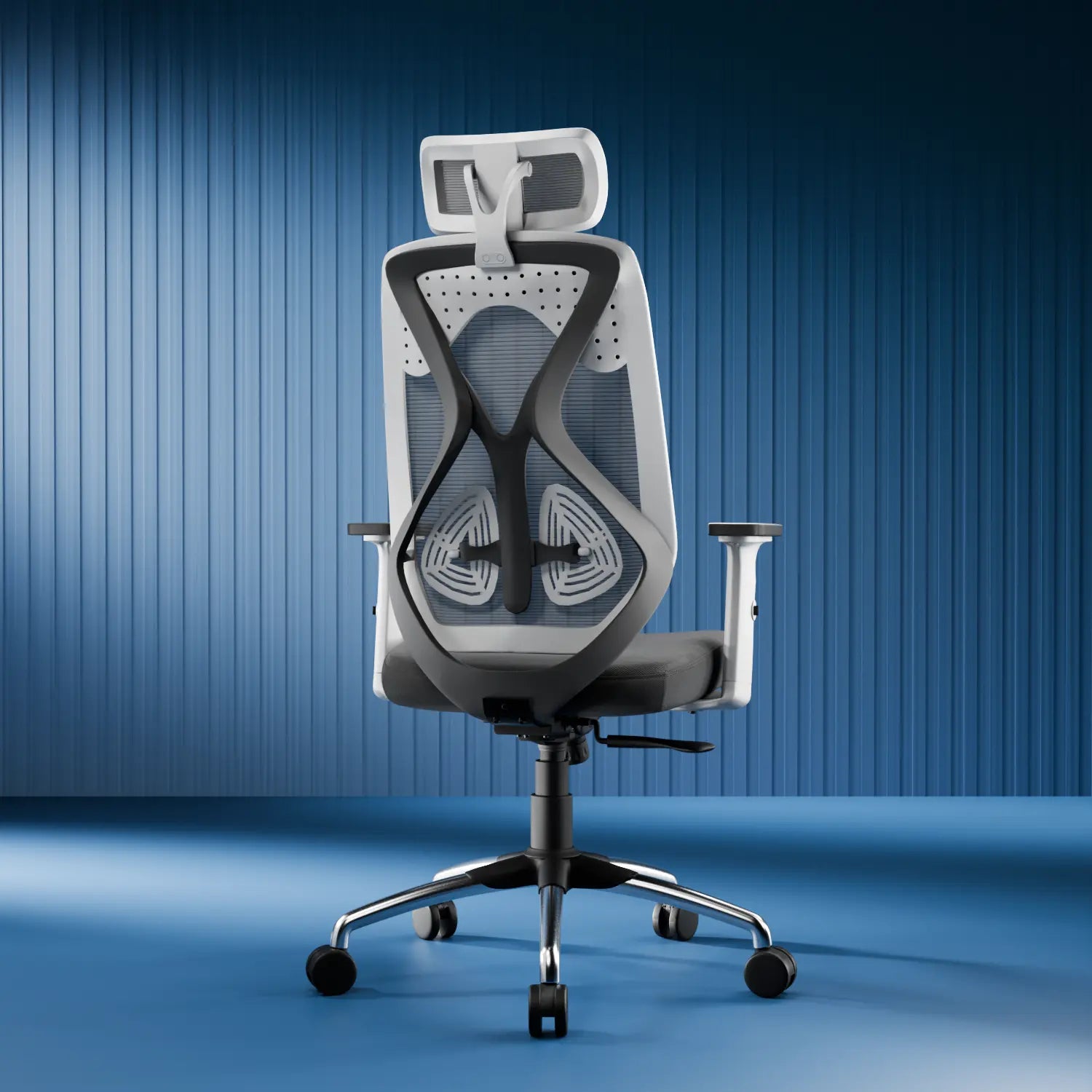
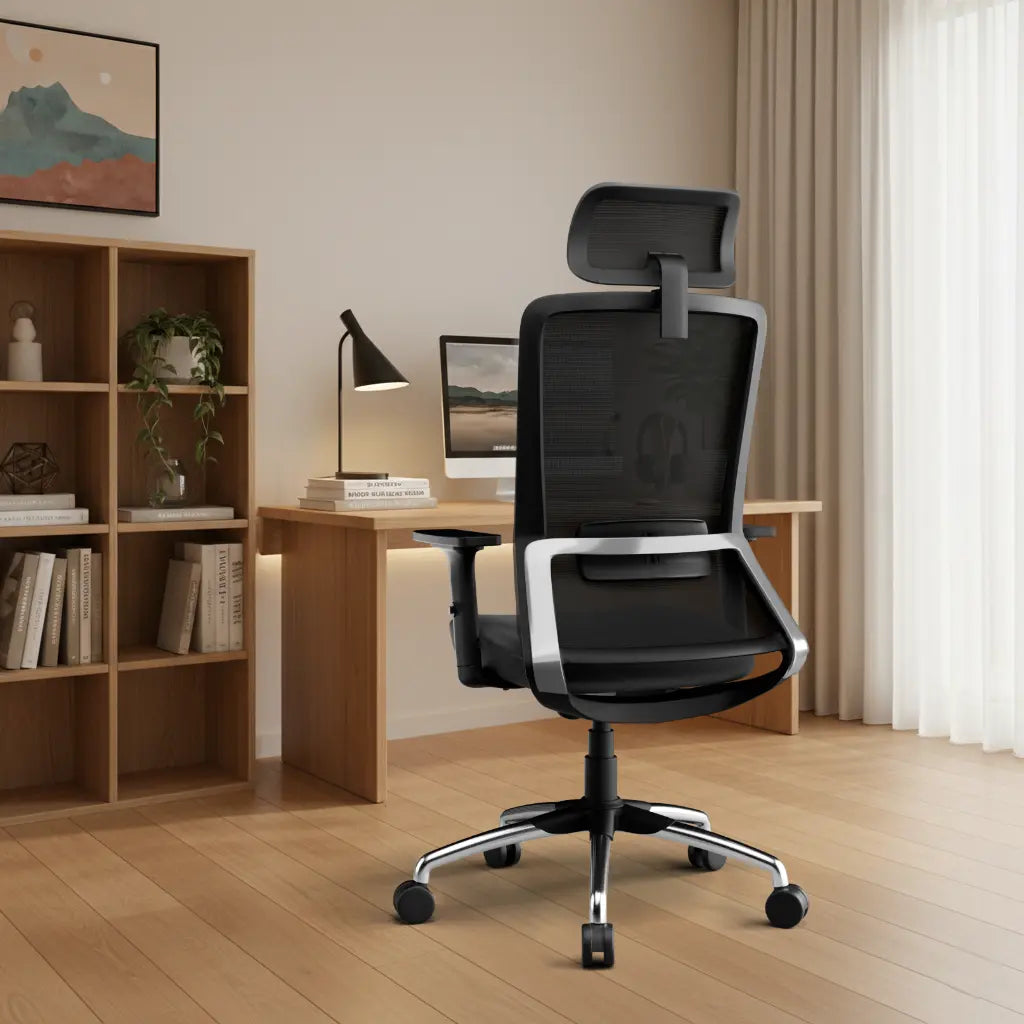
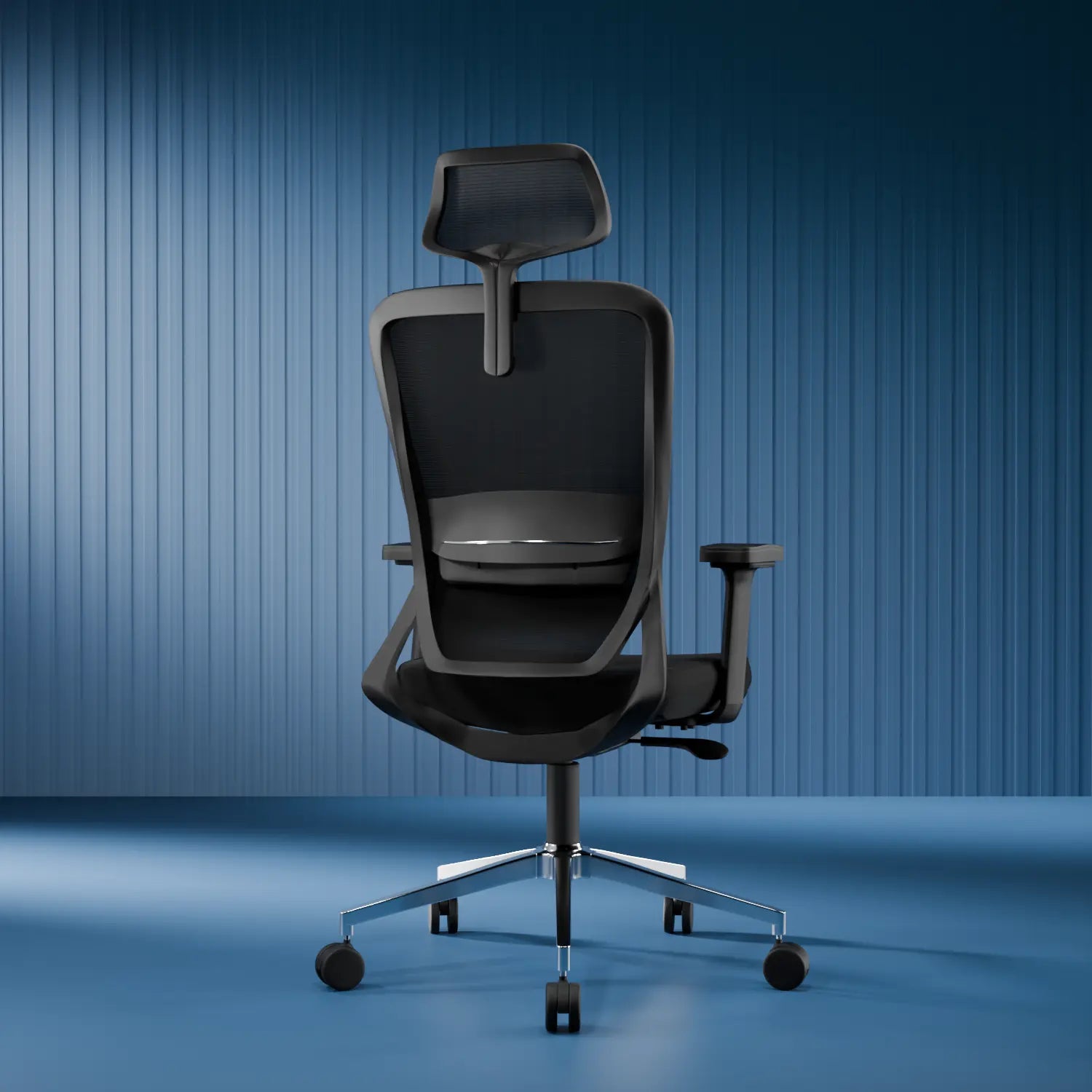




Working from home has changed how we sit. With flexible hours and no commute, many people end up working from the most convenient place, the bed or sofa. At first, it feels comfortable and relaxed.
But comfort and support are not the same thing.
If you have experienced back stiffness, neck tightness, or fatigue after work and started searching for an office chair for back pain, your current sitting setup may already be affecting your posture.
The reality is this: sitting on a bed or sofa for long hours does not support your spine properly, which is why many WFH users eventually look for a chair to improve posture or an orthopedic office chair.
This blog explains why sitting on soft surfaces is harmful, how it affects your back and spine, and how switching to the right chair can make a real difference.
(Important: This article is for general awareness only and does not replace professional medical advice.)
What People Really Mean When They Ask “Is Sitting on a Bed or Sofa Bad for Working?”
People rarely ask this question casually. They search for it because their body is already sending signals.
Most readers land on this topic because:
-
Their back hurts even on easy workdays
-
Their neck feels tight after meetings
-
They feel tired despite sitting all day
-
They constantly shift positions but never feel settled
-
They start the day fine and end it sore or stiff
Beds and sofas are designed for rest, not upright focus. They allow your body to relax completely which is great for sleep or lounging, but harmful when you need to sit upright for hours.
Over time, this creates the same problems people experience with cheap or poorly designed office chairs and often faster.
What Sitting on a Bed or Sofa Does to Your Body Over Time
1. It Gradually Rewires Your Posture Into a Slouch
When you sit on a bed or sofa, your body naturally relaxes:
-
Your lower back rounds forward
-
Your shoulders collapse inward
-
Your head moves closer to the screen
For 10-15 minutes, this feels harmless. Over long hours of sitting, it becomes your default posture. Your muscles adapt to this shape and once they do, sitting upright feels uncomfortable instead of natural.
Why this matters:
Slouching increases pressure on your spine and forces your muscles to work harder just to keep you upright.
Benefit of fixing this:
When your posture is supported, your muscles stop fighting gravity, reducing fatigue helps muscle relaxing and improving focus throughout the day.
2. Your Lower Back Loses All Structural Support
Beds and sofas offer zero lumbar support, the gentle inward curve your lower back needs.
-
Without lumbar support:
-
Your core stays tense
-
Your back muscles overwork
-
Fatigue builds faster, even without physical activity
Over time, this is why many people feel relief only after switching to a chair that supports the lower back properly, often described as a chair with lumbar support for back pain.
Benefit of fixing this:
Supporting your lower back allows your spine to relax, reducing tension and helping you sit longer without discomfort.
3. Your Hips Sink and Tilt Your Spine Backward
Soft surfaces allow your hips to sink lower than your knees. This tilts your pelvis backward and affects:
-
Hip comfort
-
Buttock pressure (often felt as numbness or soreness)
-
Overall spinal alignment
Over time, this imbalance can cause stiffness and discomfort that follows you even after work hours.
Benefit of fixing this:
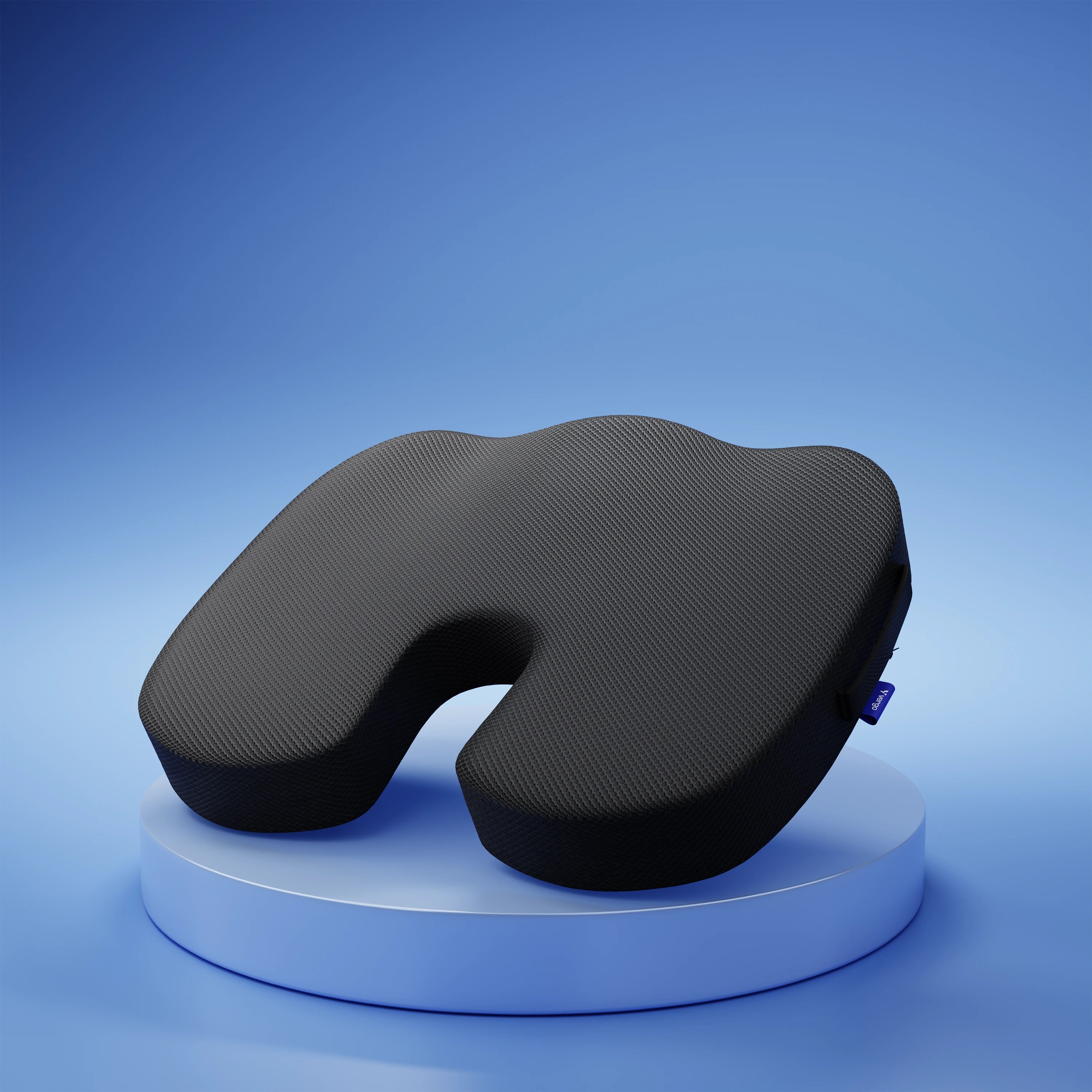
An office chair for spine support or even something more structured, like an orthopedic office chair, to help sit correctly again on a firm, supportive surface keeps your hips level, improving balance and reducing pressure points.
4. Circulation Gets Restricted Without You Realizing
Working from a bed or sofa often leads to:
-
Sitting cross-legged
-
Tucking legs under the body
-
Leaning to one side for long periods
These positions restrict blood flow, leading to:
-
Tingling sensations
-
Heaviness in the legs
-
Dead legs moments when you stand up
Benefit of fixing this:
Better circulation means more energy, better concentration, and less physical fatigue.
5. Comfort Encourages Longer, Unbroken Sitting
Beds and sofas feel relaxed, which makes it easier to:
-
Sit longer without breaks
-
Lose track of time
-
Skip natural movement
Ironically, the more comfortable your setup feels, the worse the prolonged sitting side effects become.
Benefit of fixing this:
A structured work setup naturally encourages movement, keeping your body more active and alert.
Common Signs Your Bed or Sofa Setup Is Hurting You
You don't need sharp pain to have a problem. Subtle signs include:
-
Back stiffness by mid-afternoon
-
Neck tightness after calls
-
Hip or buttock discomfort
-
Constant posture shifting
-
Feeling unusually tired
These are early warning sign, not something to push through or ignore. Hence early signals often push people to rethink their setup and consider a chair to improve posture rather than continuing with soft seating.
Why Beds and Sofas Make WFH Posture Worse Than You Think
Even if you try to "sit straight', beds and sofas:
-
Are too soft to support posture
-
Are too low, pushing knees higher than hips
-
Lack structure for long-term sitting
-
Encourage collapsed positions
Over time, this creates the same strain as sitting on a cheap, non-ergonomic chair sometimes even faster.
How to Fix WFH Sitting Problems (Without Building a Full Office)
1. Separate “Work Comfort” from “Rest Comfort”
Your bed and sofa should signal relaxation, not focus. Even a small dedicated work spot helps your body stay aligned.
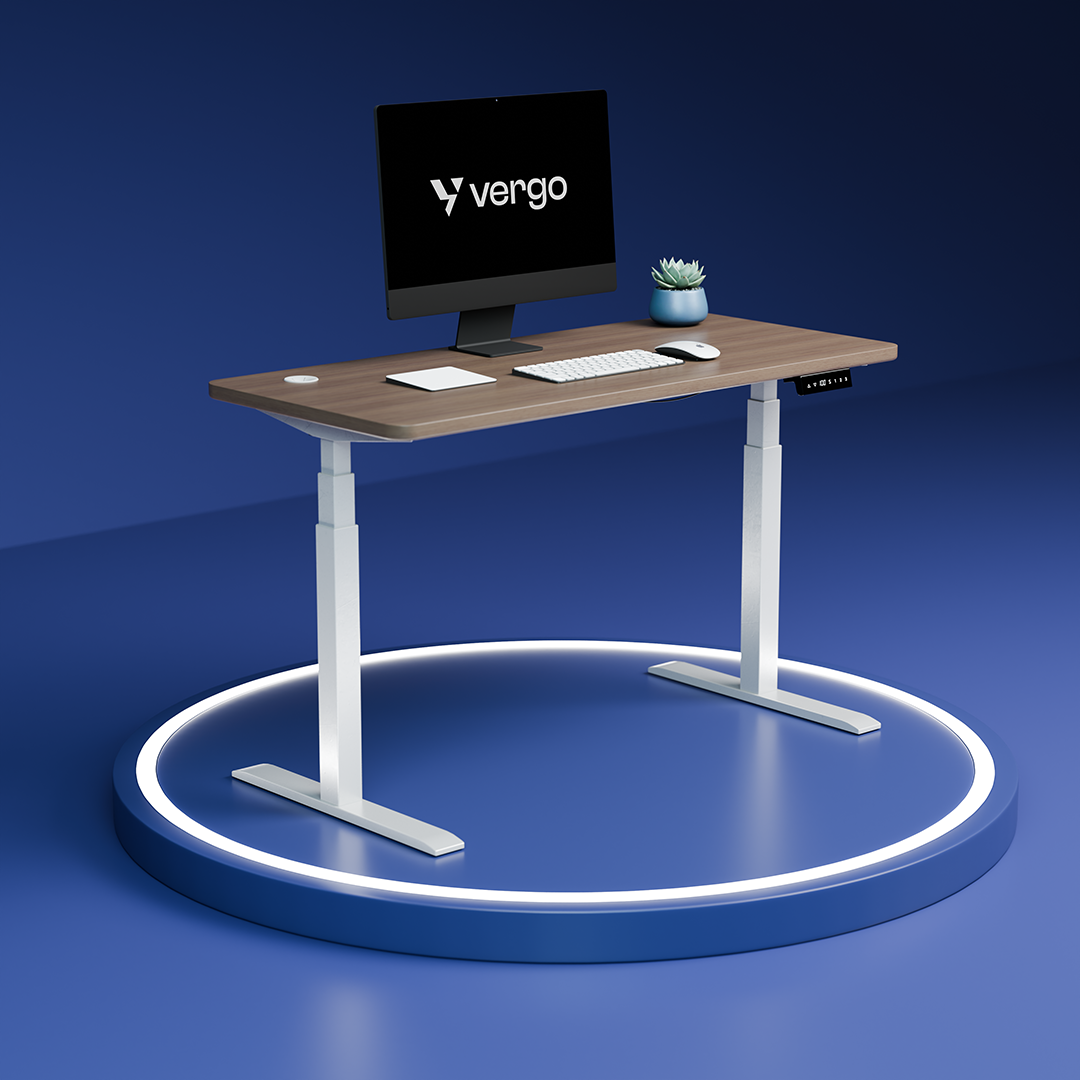
2. Sit at a Proper Table and Chair
Your elbows should rest around 90°, and your screen should be near eye level. This alone reduces neck and back strain.
3. Support Your Lower Back
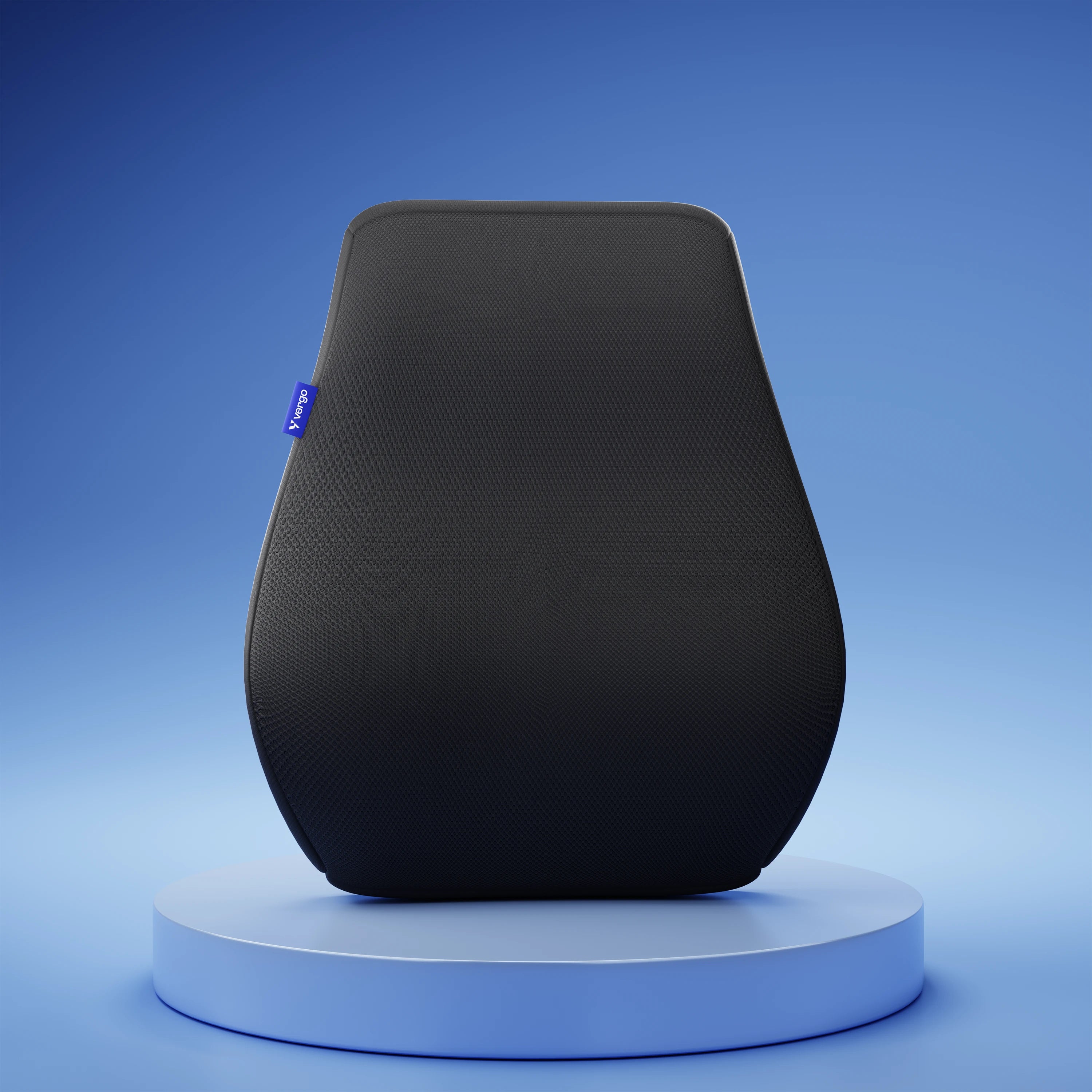
A small cushion or rolled towel behind your lower back pain is far better than no support.
4. Keep Your Feet Flat and Grounded
This stabilizes your pelvis and automatically improves posture.
5. Move Every 30–40 Minutes
Standing, stretching, or walking briefly resets posture and circulation.
Simple Micro-Breaks That Protect Your Body
You don’t need intense workouts, consistency matters more:
-
Gentle standing back stretches
-
Shoulder rolls
-
1–2 minutes walks
-
Light hip stretches after meetings
These small habits prevent stiffness from turning into daily discomfort.
Choosing a Chair for Long Hours of Work from Home
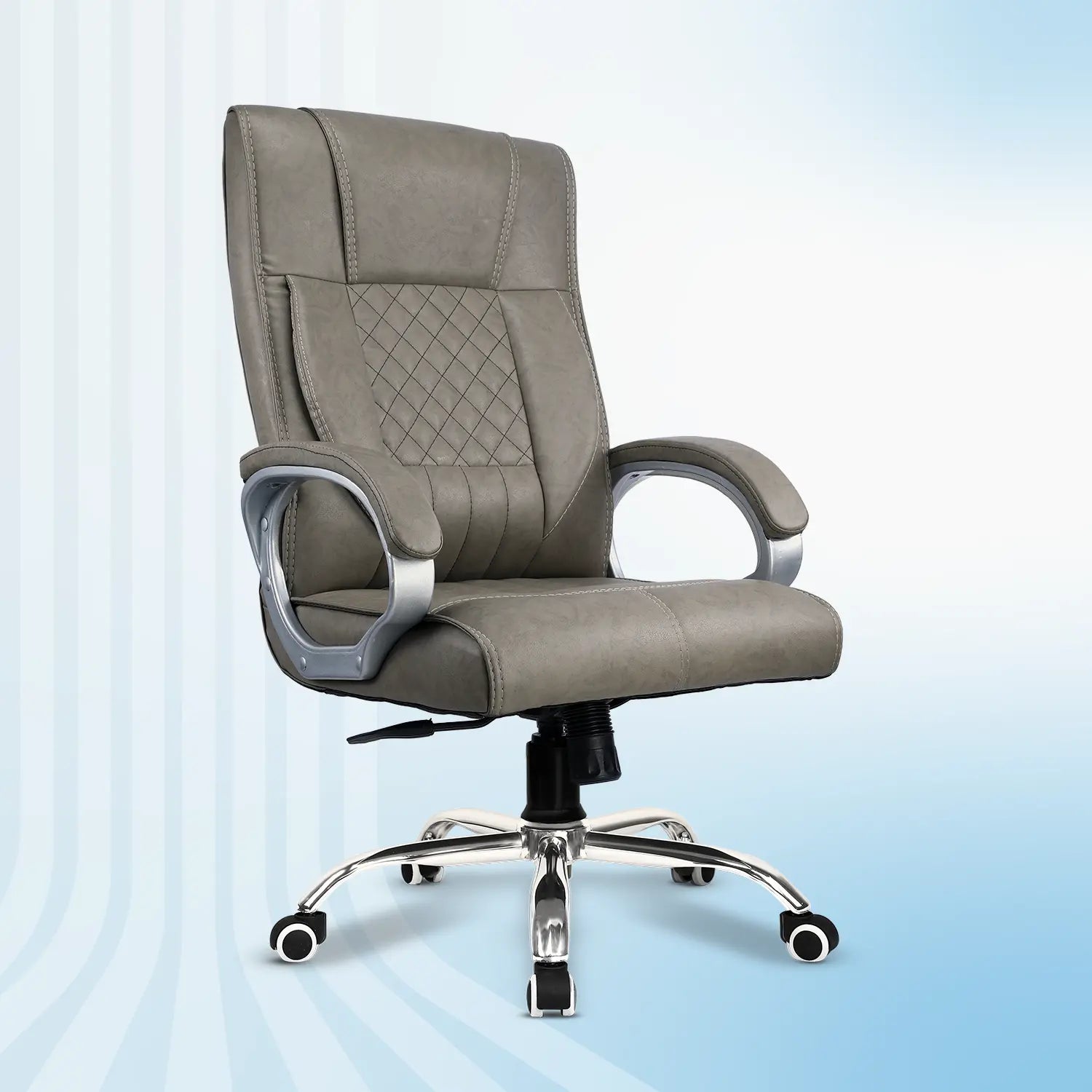
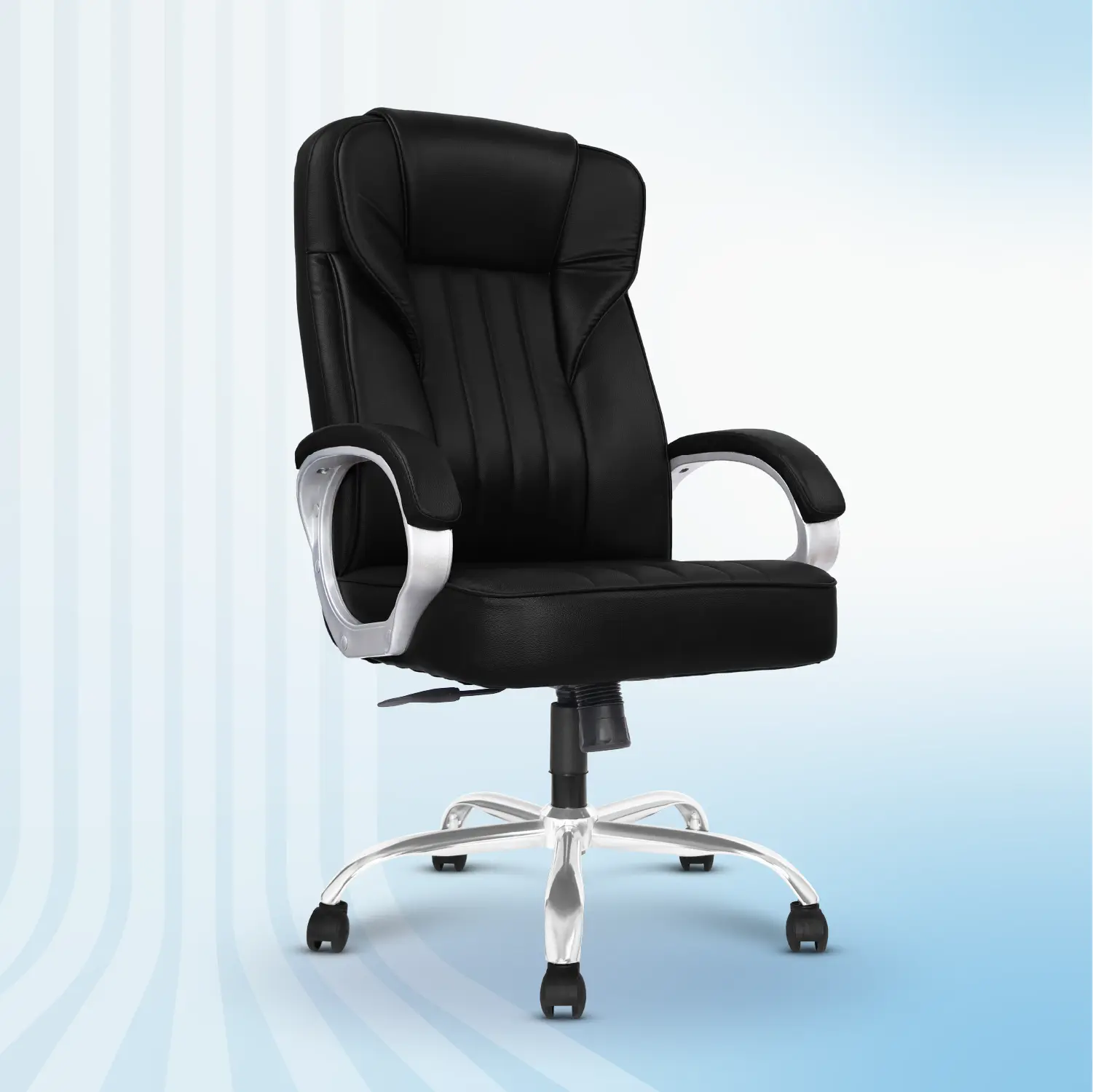
If WFH is a daily routine, investing in a chair for long hours is one of the most practical upgrades you can make. it's not just something you sit on, it's what supports your posture, focus, and comfort for hours at a time.
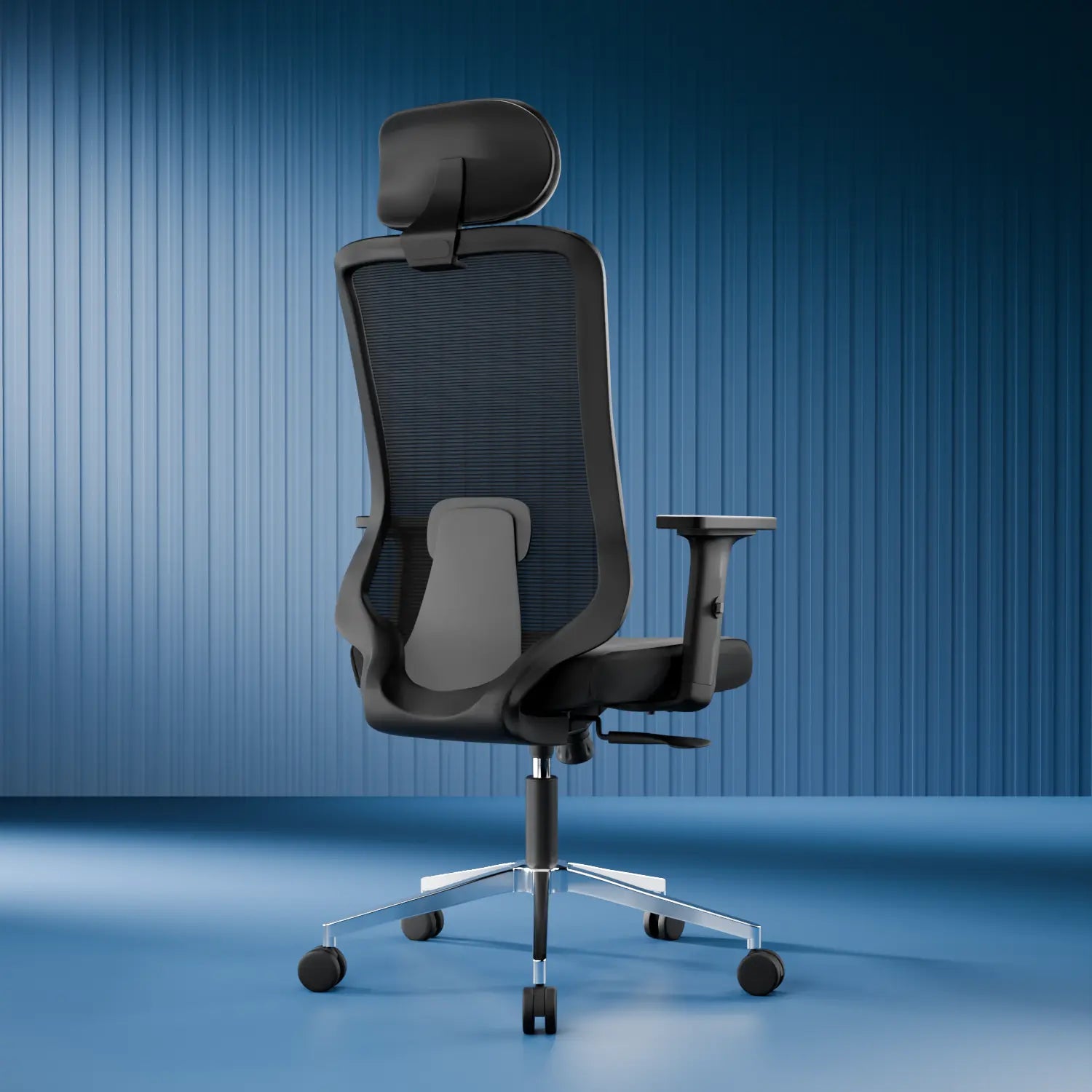
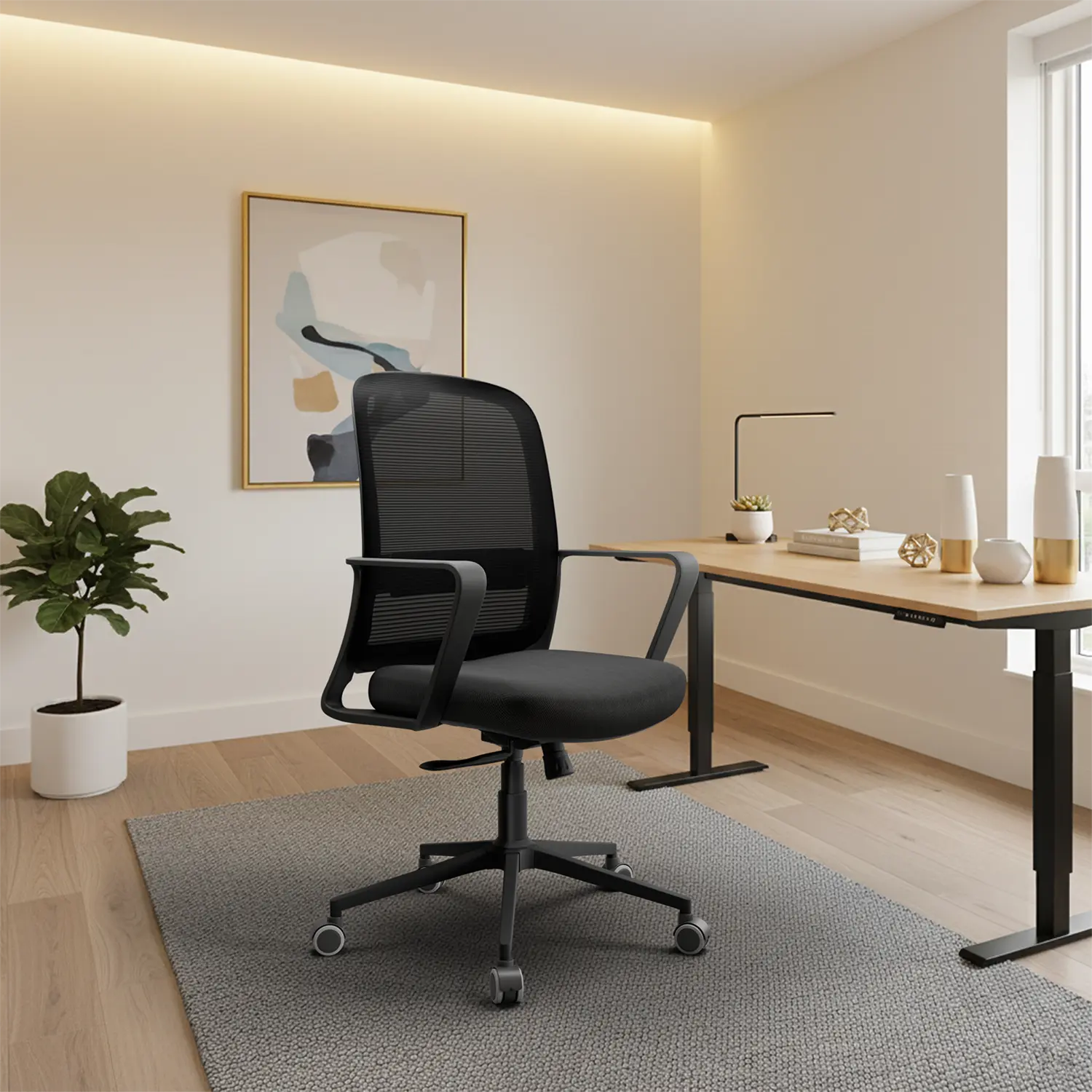
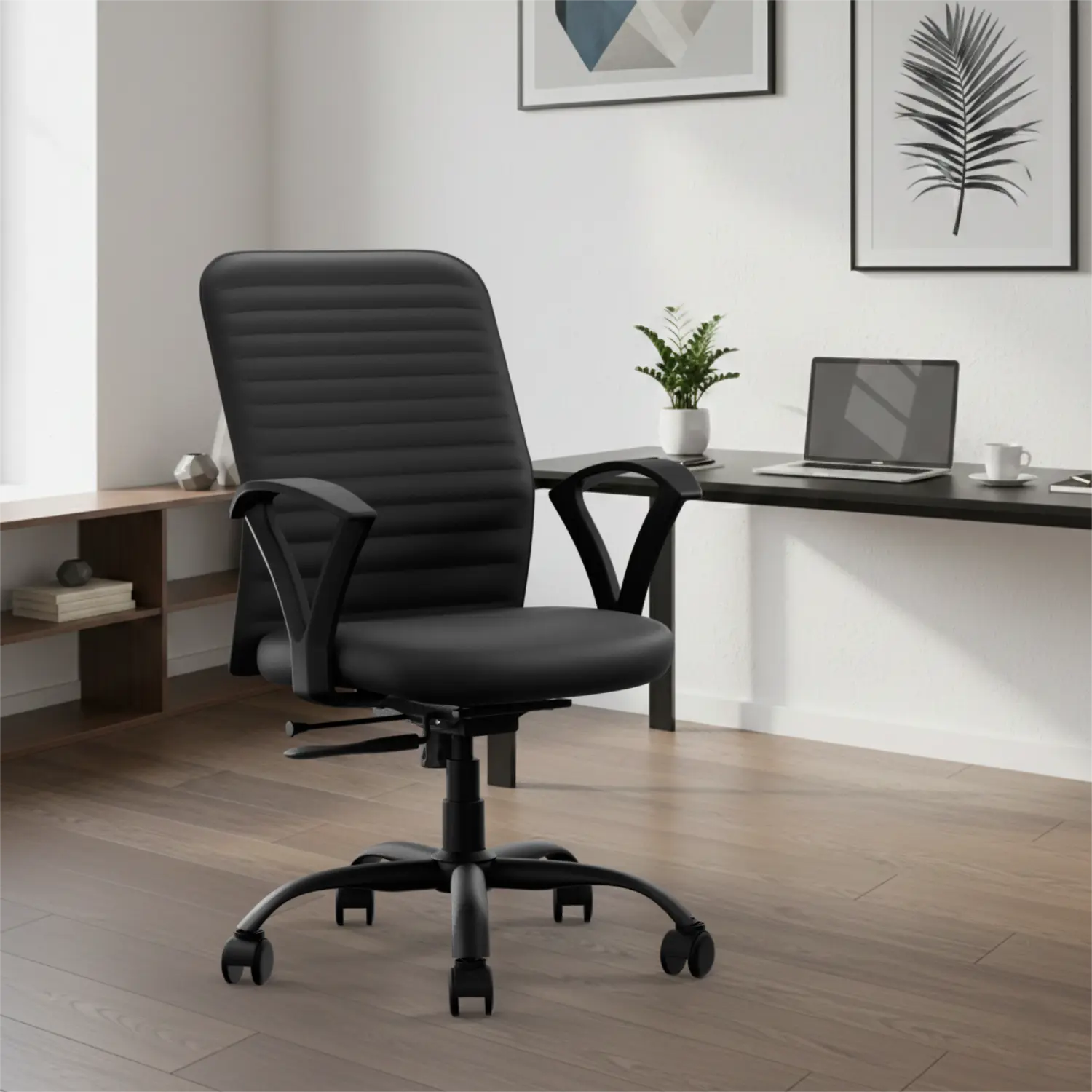
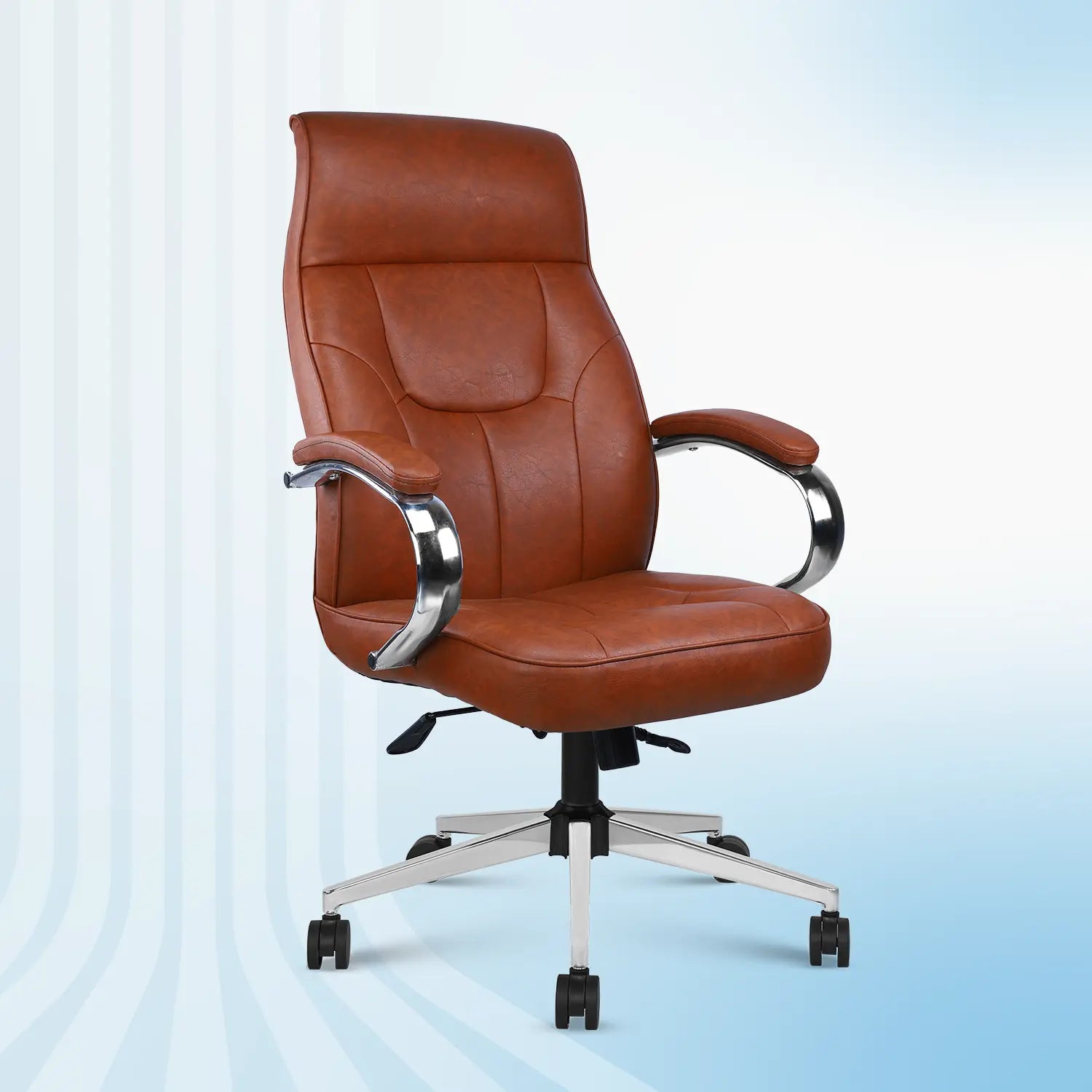
A good office chair for back pain should support your spine without forcing you into an unnatural position. Features to look for include adjustable seat height, proper lower-back support, a supportive backrest, and comfortable armrests that reduce shoulder strain.
For people sitting through full workdays, an ergonomic chair for long hours helps reduce fatigue and keeps posture more stable. Those dealing with recurring discomfort may also find value in chairs that doctors or physiotherapists commonly recommend for back support often referred to as orthopedic-style office chairs.
The goal isn't to fix pain overnight, but to create a setup that supports your body consistently throughout the day.
Here is what to look for, and why each feature actually matters.
Look for:
-
Adjustable seat height - A Seat height is the foundation of good sitting posture. Correct seat height keeps your pelvis stable, which helps your spine stay aligned and reduces lower-back strain during long work hours.
-
Proper lumbar support - Your lower back naturally curves inward, and a good chair respects that shape. Lumbar support reduces constant pressure on your spine and helps prevent stiffness and discomfort by the end of the day.
-
Medium-firm cushioning - Many people assume softer seats are more comfortable but for long sitting, that's often not true. Balanced cushioning keeps your hips comfortable while supporting healthy posture during long hours of sitting.
-
Supportive backrest - A backrest isn't just something to lean on when you're tired, it should support you all the time. A supportive backrest shares the load with your body, reducing muscle fatigue and allowing you to sit comfortably for longer periods.
-
Comfortable armrests - Armrests play a bigger role than most people realize. Proper arm support reduces strain on your shoulders and neck, especially during long typing or mouse use.
Why the Right Chair Makes a Real Difference
A well-designed ergonomic chair doesn;t just prevent discomfort as it improves how your entire workday feels.
With the right chair, you're likely to notice:
-
Less stiffness by evening
-
Fewer posture adjustments
-
Better focus during work
-
More energy after logging off
Final Takeaway
Beds and sofas are perfect for rest and not for work.
They feel comfortable in the short term but quietly encourage habits that drain your energy, strain your posture, and affect your body over time. With a few smart changes to how and where you sit, you don't just avoid pain, you gain better focus, comfort, and long-term sustainability in your work-from-home routine.
FAQs
1. Is sitting on a bed bad for working from home?
Yes. Beds don't support upright posture and increase back, neck, and hip discomfort during long work hours.
2. Is a sofa better than a bed for work?
Sofas are slightly better than beds but still lack proper support, making them unsuitable for daily work.
3. Can working from a sofa cause back pain?
Yes. Sofas encourage slouching and uneven posture, which can strain your back over time.
4. What's the best alternative to working from a bed or sofa?
A desk and an ergonomic chair designed for long hours of sitting.
5. Is an ergonomic chair really necessary for WFH?
A If you work from home regularly, an ergonomic chair helps improve comfort, posture, and long-term health.